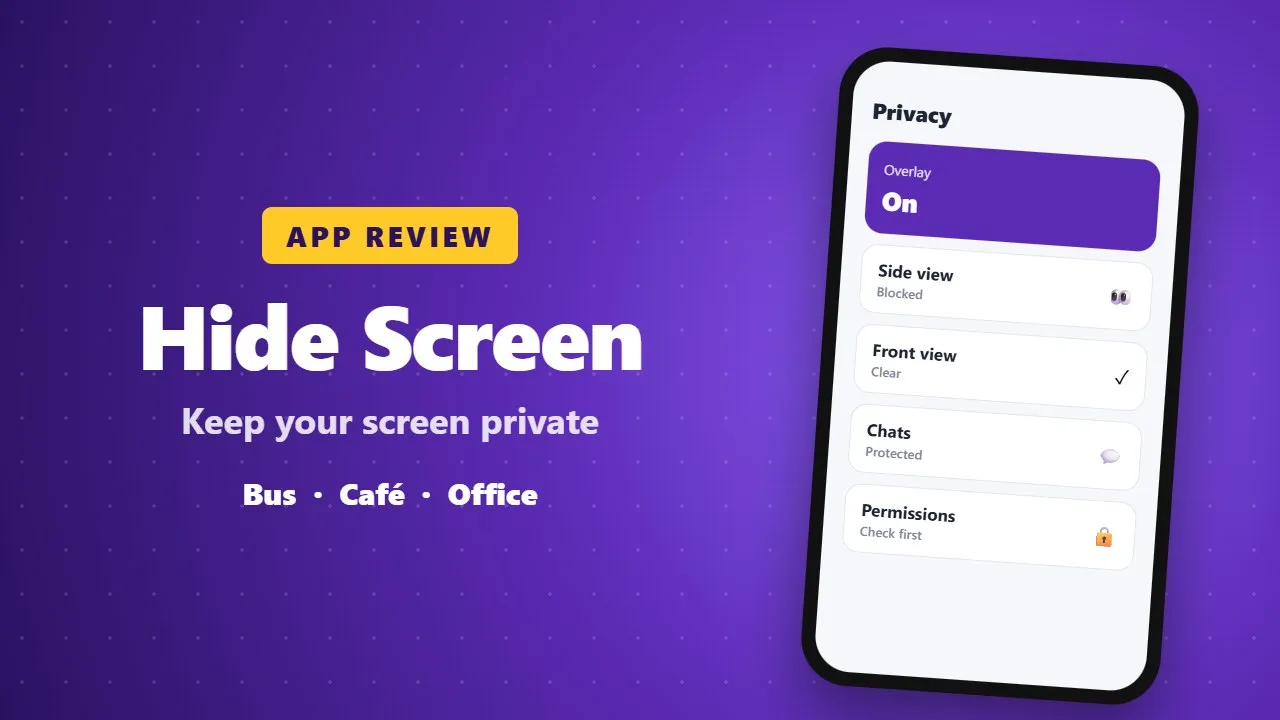
Hide Screen – Screen Privacy App Review
Hide Screen adds a privacy overlay that makes your screen harder for people nearby to read, for example on buses or in cafés. It is a simple privacy tool. Check its permissions and ads before installing.
The Hide Screen – Screen Privacy app is a modern mobile tool designed to help users protect their privacy while using their smartphones. Developed by Nishal Technology, this app focuses on keeping your on-screen activities hidden from people around you. Whether you are in public transport, school, 0036work, or any crowded place, this app ensures that your personal information stays private and secure.

✨ Key Features of the App
This app comes with several useful features that make it stand out
- 🔒 Screen Privacy Protection – Hide parts of your screen to prevent others from seeing sensitive information.
- 🎚️ Adjustable Overlay – You can control how much of your screen is hidden.
- ⚡ Quick Activation – Easily turn the privacy mode on or off in seconds.
- 🎨 Simple Design – Clean and user-friendly interface.
- 📱 Lightweight App – Does not take much storage space or slow down your phone.
These features make the app very practical for everyday use.
🎯 Why Should You Use This App?
Privacy is a big concern today. People often use their phones in public places where others can easily see their screens. This app solves that problem by allowing you to cover or dim parts of your display.
For example:
- Reading private messages 💬
- Checking bank or payment apps 💳
- Browsing personal content 🌐
With this app, you don’t have to worry about someone peeking at your screen.
🧠 How It Works
Using the app is simple and straightforward:
1. 📥 Download and install the app from the Play Store
2. ▶️ Open the app and grant necessary permissions
3. 🎛️ Activate the screen overlay feature
4. 🔍 Adjust the hidden area according to your needs
Within seconds, your screen becomes more secure and private.
💡 Unique Benefits
What makes this app special is its flexibility and ease of use. You can customize how the screen is hidden depending on your situation.
🌓 Dim the entire screen
- ⬛ Hide only a specific part
- 🔄 Quickly toggle the feature anytime
This level of control makes it useful for both beginners and advanced users.
**📊 Performance and User Experience*
The app is designed to run smoothly on most Android devices. It does not consume much battery or memory, which is very important for daily use. Even though it contains ads, they are usually minimal and do not heavily disturb the experience.
The interface is intuitive, meaning users can understand how to use it without any confusion.
🔄 Updates and Improvements
Like most modern apps, Hide Screen – Screen Privacy receives updates from time to time. These updates help to
- Fix bugs 🛠️
- Improve performance 🚀
- Add new features ✨
- Enhance security 🔐
Keeping the app updated ensures you get the best experience.
🤝 Support and Accessibility
If users face any issues, they can usually find help within the app or contact the developer. The app is also designed to be accessible for a wide range of users, including those who are not very familiar with technology.
📌 Final Thoughts
Overall, Hide Screen – Privacy is a useful app for anyone who values their privacy. It is simple, effective, and easy to use. Whether you are protecting personal messages or sensitive information, this app provides a quick and reliable solution