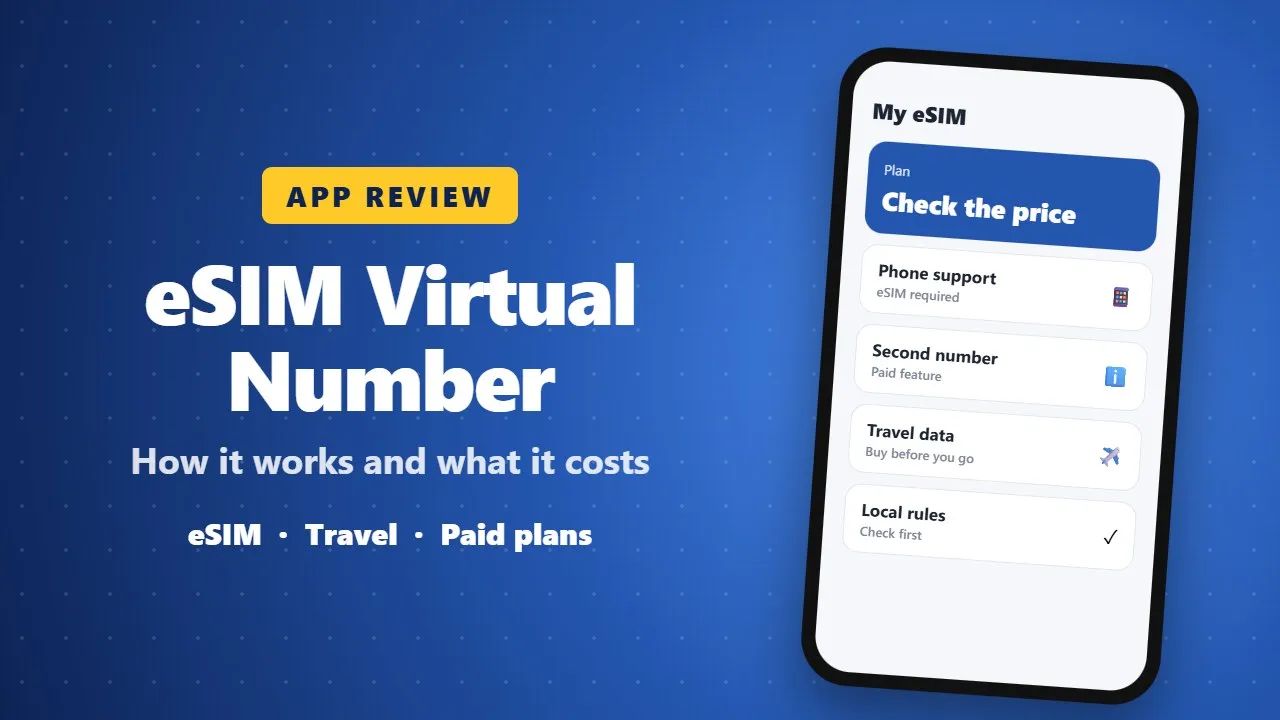
eSIM Virtual Phone Number App Review: How It Works and What It Costs
An eSIM app that offers a virtual phone number and mobile data without a physical SIM card. It is useful for travel and a second number, but most features are paid, your phone must support eSIM, and you should check prices and local rules first.
If you’ve ever wanted a second phone number without carrying another phone or SIM card, this app is exactly the kind of app you should be looking at. It’s designed to give you a virtual number and mobile data access through eSIM technology, all from a single device. Let’s break it down clearly so you understand what this app really does and whether it’s worth using.
🌍 What is eSIM: Virtual Phone Number?
This app allows you to create and use a second phone number digitally. Instead of inserting a physical SIM card, everything works through an eSIM (embedded SIM). That means your phone can connect to mobile networks without needing a physical chip. With this app, you can get a virtual phone number from different countries, use mobile data internationally, and make or receive calls or messages depending on your plan. It’s especially useful for people who travel, work online, or want privacy.
✨ Key Features
📞 Second Phone Number
The main feature is the ability to create a second number. This is helpful for business communication, online registrations, and separating personal and work life. You don’t need another phone because everything runs inside the app.
🌐 Global Mobile Data
The app offers international data packages. That means you can use internet in different countries, you don’t need to buy local0037 SIM cards when traveling, and activation is instant once you purchase a plan. This is perfect for travelers who want convenience.
💳 Flexible Payment Options
You can buy numbers or data plans directly inside the app. It supports different pricing plans, pay-as-you-go options, and in-app purchases. However, most useful features are paid, not free.
📲 Easy Setup
Setting up the app is simple. Install the app, choose a country or number, activate eSIM, and start using it. No technical skills are needed, so it’s beginner-friendly.
👍 Advantages of the App
This app does not require a physical SIM, everything is digital, and you don’t have to remove your current SIM card. It is good for privacy because you can use a separate number for social media, online services, or unknown contacts, which helps protect your real number. It is also travel-friendly since you don’t need to buy SIM cards in every country.
👎 Disadvantages
The app is not fully free because most features require payment. Your phone must support eSIM, and some older Android phones do not. Also, performance depends on your location and network availability, so speed and connection may vary.
📊 App Performance & Rating
The app has a rating of 3.8 out of 5 with around 3,000+ reviews, and its size is about 54 MB. This shows it is a decent app but not perfect. Some users like its convenience, while others complain about pricing or connectivity.
🔐 Is It Safe?
The app is available on the Google Play Store, which is a good sign. However, you should always check permissions, avoid sharing sensitive information unnecessarily, and read user reviews before purchasing. Like any virtual number app, use it carefully.
🧠 Who Should Use This App?
This app is best for travelers who need mobile data abroad, business users needing a second number, and people who want privacy online. But if you are looking for a completely free calling app, this may not be the best option.
⚙️ Final Verdict
eSIM: Virtual Phone Number is a useful app if you need flexibility, privacy, and international connectivity. It is not perfect, especially because of paid features, but it does what it promises.
If your phone supports eSIM and you are okay with spending some money, it is worth trying. If you want a completely free solution, you may need to look for other apps