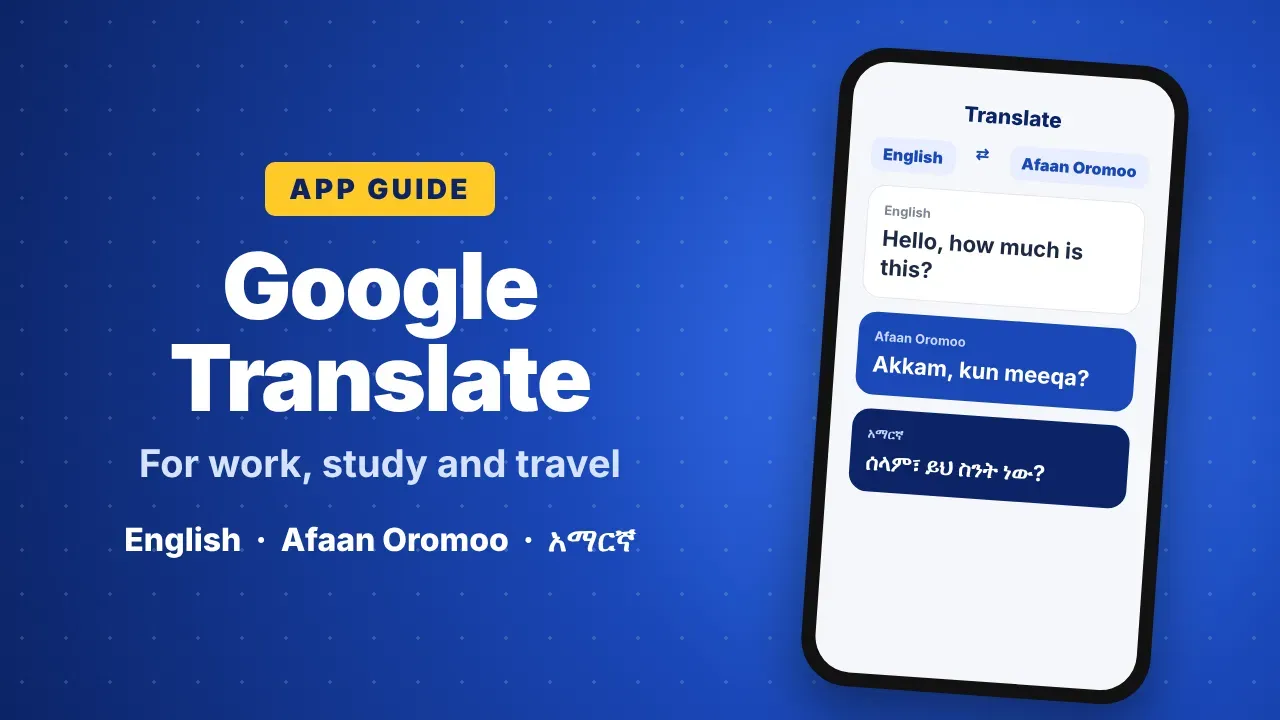
Google Translate Guide: Useful Features for Work, Study and Travel
Google Translate by Google translates text, speech, photos, conversations and websites, and works offline with downloaded languages. It supports Afaan Oromoo and Amharic. It helps small businesses, students and travelers understand and reply to other languages, but important documents should always be checked by a person.
Language differences can slow down business, study and travel. A customer writes in English, a tutorial is only available in Chinese, or a sign at an airport is in a language you cannot read. Google Translate, made by Google, is one of the most widely used tools for bridging that gap. This guide explains what the app does, how to use each feature step by step, how small businesses and students in Ethiopia can benefit from it, and where you should be careful.
🌍 What is Google Translate?
Google Translate is a free translation app for Android, iPhone and the web. It translates between more than 100 languages, including Afaan Oromoo, Amharic, Tigrinya, Somali, Arabic, English, French and Chinese. It uses machine learning, which means it has learned language patterns from very large amounts of text. Results are usually good enough to understand the meaning of a message, although they are not always perfect, especially for long or complex sentences.
🧰 Main features at a glance
- Text translation: type or paste words, sentences or whole paragraphs.
- Camera translation: point your phone at a sign, menu, label or document and see the translation on screen.
- Voice translation: speak into the phone and hear the translation read aloud.
- Conversation mode: two people speaking different languages can talk through one phone.
- Handwriting: draw letters with your finger, useful for scripts you cannot type.
- Website and document translation: understand pages and files written in another language.
- Offline translation: download language packs and translate without an internet connection.
- Saved phrases: star useful translations and find them again quickly.
📲 How to use the main features
Text
- Open the app and choose the two languages at the top, for example English and Afaan Oromoo.
- Tap the text box and type or paste your text.
- The translation appears below. Tap the speaker icon to hear it, or the copy icon to copy it.
Camera
- Tap Camera.
- Point the phone at the text. The translation appears on top of the original text.
- To translate a photo you already have, tap the gallery icon and choose the image.
Conversation
- Tap Conversation and choose both languages.
- Each person taps the microphone and speaks. The app translates and reads the answer aloud for the other person.
Offline
- Open the app settings and select Downloaded languages.
- Tap the download icon next to the languages you need.
- Once downloaded, text and camera translation work even without internet. This saves mobile data and helps when the connection is weak.
💼 Using it for business
Small businesses no longer only serve customers in their own town. Many sell online, work with suppliers abroad or answer messages from international clients. Google Translate can help with everyday tasks such as:
- Reading and answering messages from customers or suppliers in other countries.
- Preparing simple product descriptions in more than one language.
- Understanding reviews, feedback and market research written in other languages.
- Reading instructions, labels and invoices from foreign suppliers.
Example: a shop owner in Adama receives a question in English from a buyer. They translate it into Afaan Oromoo to understand it, write a reply in Afaan Oromoo, and translate the reply back into English before sending it. For short, clear messages, this works well.
For important business material such as contracts, price agreements, product safety information or advertising copy, use the translation only as a first draft and ask a person who knows both languages to check it.
🎓 Using it for study and learning
A lot of useful learning material, from technical tutorials to research articles, is published in English or other languages. Google Translate can help students and professionals to:
- Understand articles and tutorials written in other languages.
- Check the meaning of difficult words while reading.
- Practise pronunciation with the listen button when learning a new language.
- Compare how the same sentence is written in Afaan Oromoo, Amharic and English.
Tip: use the app to understand a text, not to copy translated work into assignments. Teachers can usually tell, and you learn more by writing in your own words.
✈️ Using it for travel
Before you travel, download the languages of the country you are visiting. With camera translation you can read street signs, menus and timetables, and with conversation mode you can ask simple questions at a hotel, market or taxi stand, even without internet.
⚠️ Where to be careful
- Machine translation can miss tone, humor, idioms and local expressions.
- Names, numbers and dates should always be double-checked.
- For contracts, legal papers, medical information or official letters, ask a qualified translator.
- Do not paste passwords, bank details, ID numbers or private documents into any online translation tool.
💡 Tips for better results
- Write short, clear sentences with one idea each.
- Avoid slang, abbreviations and spelling mistakes.
- Translate the result back into your own language to check that the meaning is still correct.
- If a word has several meanings, add a little context, for example "bank (money)" instead of just "bank".
- Keep the app updated to get the latest improvements in quality.
❓ Frequently asked questions
Is Google Translate free? Yes. The app and the website are free to use.
Does it support Afaan Oromoo and Amharic? Yes, both languages are supported for text translation, and more features are being added over time. Check the app for the features available for each language.
Can it work without internet? Yes, for languages you have downloaded. Some features, such as conversation mode, may still need a connection.
Is the translation always correct? No. It is very useful for understanding meaning, but important texts should be checked by a person.
✅ Final thoughts
Google Translate will not replace a professional translator, but it is a fast and practical helper for everyday communication. For entrepreneurs, students and travelers, it makes information in other languages much easier to understand. Download the languages you use most, keep your sentences simple, and always double-check anything important.