How to Check and Install Security Updates on Samsung Galaxy Phones
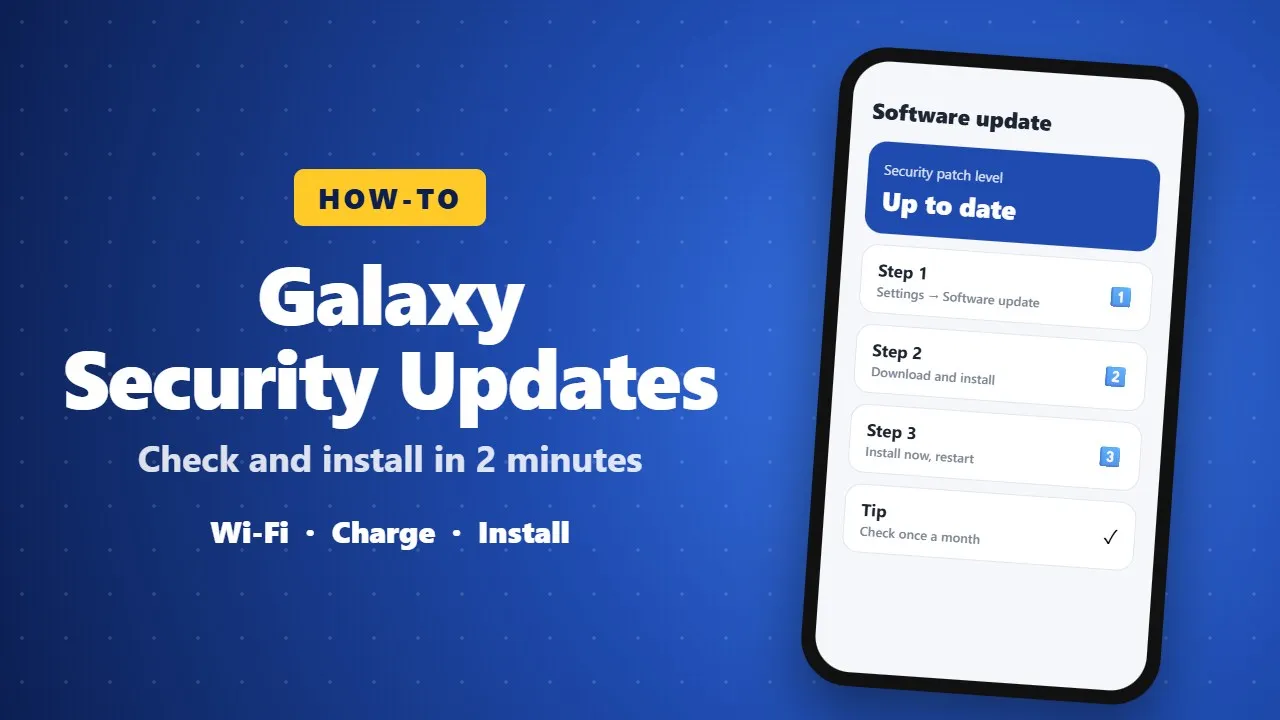
Monthly security updates fix weaknesses attackers could use. On a Galaxy phone, connect to Wi-Fi, then open Settings → Software update → Download and install. Updates arrive in waves by region, so check again if nothing appears, and keep good habits like installing apps only from official stores.
Security updates are the least exciting updates on your phone, and also some of the most important. Every month, Google and Samsung fix weaknesses that attackers could use to steal data or take control of a device. If your Galaxy phone has been showing "Software update available" for weeks, this guide is for you.
🔒 What a security update actually does
Each monthly patch closes a list of known vulnerabilities. Some come from Google's Android Security Bulletin and apply to all Android phones. Others are specific to Samsung's software, such as One UI, the camera or the lock screen. Samsung usually does not publish full details straight away, so attackers do not get a head start.
You will not see new features in most security updates. What you get is a phone that is harder to break into.
📲 How to check for an update on a Galaxy phone
- Connect to Wi-Fi. Updates can be several hundred megabytes.
- Charge the phone to at least 50%.
- Open Settings → Software update → Download and install.
- If an update is found, tap Download, then Install now. The phone will restart.
To see which patch you have, go to Settings → About phone → Software information and look at "Android security patch level".
⏳ Why your phone may get it later than others
Samsung releases updates in waves. They often start in South Korea or a few countries and reach Africa and other regions days or weeks later. The exact timing also depends on your model and, in some countries, your carrier. If nothing appears yet, check again in a few days.
📅 How long will your Galaxy get updates?
Recent flagship and many mid-range Galaxy phones get several years of security updates. Older or budget models may receive them every quarter instead of every month, and eventually stop. When your phone no longer gets security patches, be extra careful with banking apps and links, and consider upgrading.
✅ Good habits between updates
- Install apps only from Google Play or Galaxy Store.
- Keep Google Play Protect switched on.
- Update your apps regularly, not just the system.
- Never install an APK file sent by someone on Telegram or WhatsApp.
- Use a screen lock and turn on Find My Mobile or Find My Device.
📝 Final thoughts
A security update takes ten minutes and protects everything on your phone: photos, chats and bank apps. Make it a habit to check once a month.