Chrome vs Vivaldi on Android: Why Vivaldi Is Worth Trying
Vivaldi is a free Android browser with far more customization than Chrome: a bottom address bar, desktop-style tabs, a built-in ad blocker, notes and translation. Chrome is simpler and better for Google sync, but Vivaldi is worth trying if you open many tabs or want fewer ads.
B
Bole
2 min read
Chrome comes pre-installed on most Android phones, so many people never try anything else. Vivaldi is a free browser from the Norwegian company Vivaldi Technologies, and it is built for people who like to set things up their own way. Here is how it compares with Chrome and who will enjoy it.
🧩 Layout you can change
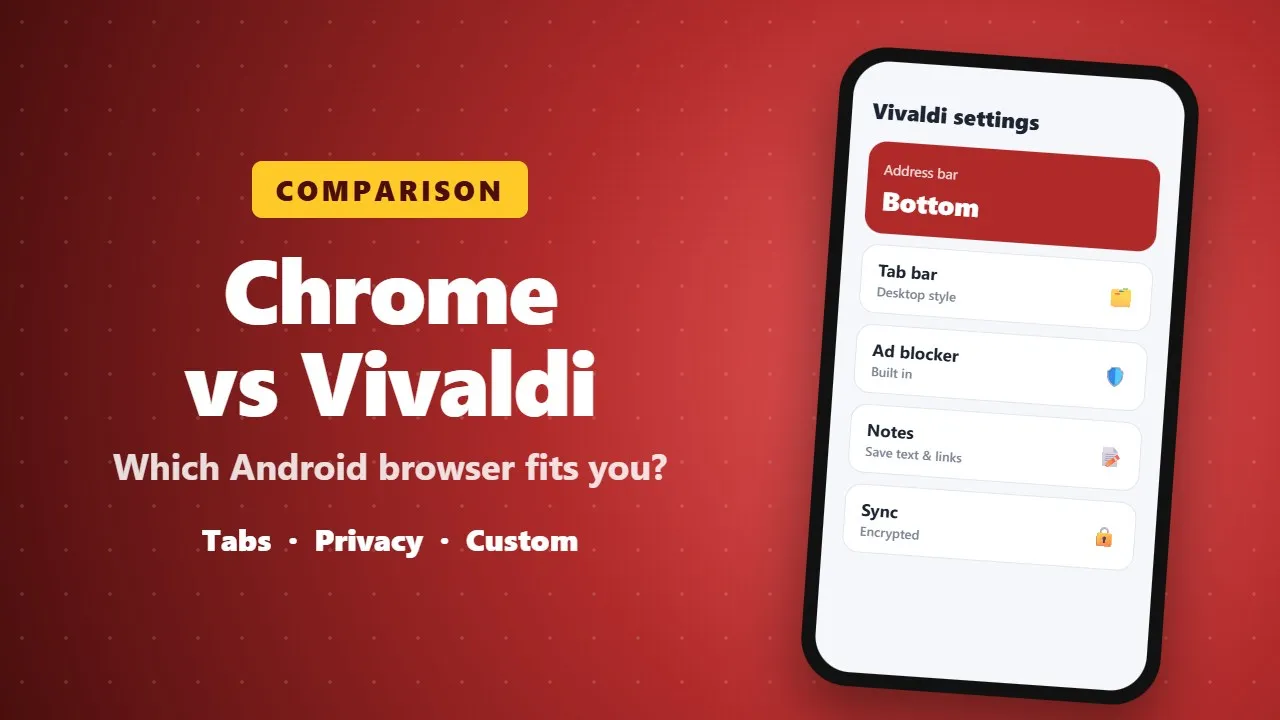
- Put the address bar at the top or the bottom of the screen. Bottom is easier to reach with one hand.
- Choose between a desktop-style tab bar, where tabs sit side by side, or Chrome-style tab cards.
- Rearrange the toolbar buttons and replace them with actions you use more often, such as "desktop site".
🛡️ Built-in privacy tools
- A built-in ad and tracker blocker, which also makes pages load faster and use less data.
- Private tabs that do not save history.
- Vivaldi does not build an advertising profile of its users, according to the company.
📝 Extras Chrome does not have
- A notes panel for saving text and links.
- Page translation built in.
- Speed Dials on the start page, which you can group into folders.
- Encrypted sync of bookmarks, passwords and notes with Vivaldi on your computer.
⚖️ Chrome vs Vivaldi at a glance
- Ease of use: Chrome is simpler. Vivaldi has more menus to explore.
- Customization: Vivaldi wins clearly.
- Ad blocking: built into Vivaldi, not into Chrome.
- Google account sync: Chrome is better if you live in Google's apps.
👥 Who should try it?
- Good for: people who open many tabs, want an ad blocker, or like to customize their phone.
- Maybe not for: people who want the simplest browser possible.
📝 Final thoughts
Vivaldi is free, so trying it costs nothing. Install it from Google Play, spend five minutes in its settings, and keep Chrome as a backup until you are sure.