Anti Theft Alarm Review: Motion Alerts and Find My Phone Features
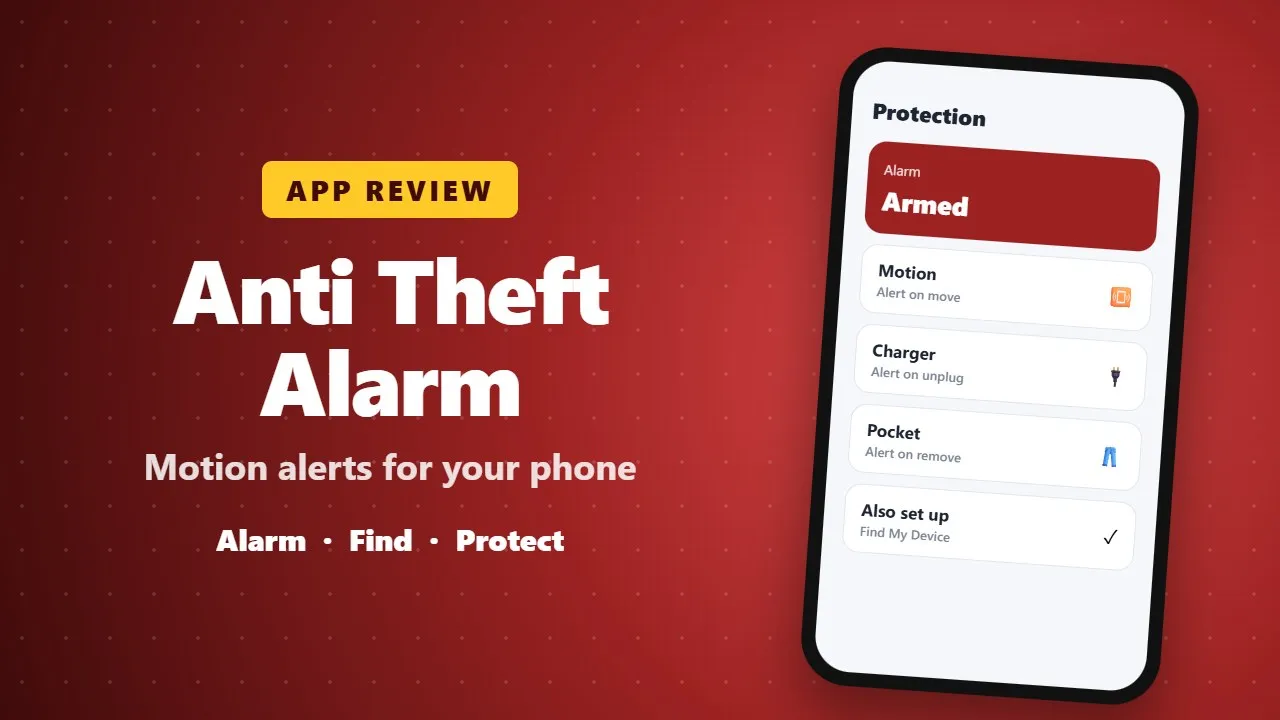
Anti Theft Alarm sounds an alarm when someone moves, unplugs or picks up your phone, and helps you find it when it is misplaced. It is a handy extra, and Google's free Find My Device is also worth setting up.
In today’s digital world, our smartphones carry everything—personal photos, private messages, banking apps, and important documents. Losing your phone or having it accessed without permission can be stressful and risky. That’s where Anti Theft Alarm – Find My Phone comes in.

This powerful and user-friendly phone security application is designed to protect your device from unauthorized access, theft, and snooping. With smart detection systems and real-time alerts, the app ensures your phone stays safe—anytime, anywhere.
If you’re worried about mobile theft, pickpocketing, or someone trying to unlock your phone without permission, this app gives you complete peace of mind. (0011)
🔐 Key Features of Anti Theft Alarm – Find My Phone
📱 Motion & Pocket Detection
Detects any unusual movement when your phone is in your pocket, bag, or on a table. Perfect protection against pickpockets and sneaky handling.
🔑 Wrong Password Alert (Intruder Selfie)
If someone enters the wrong password multiple times, the app automatically captures a selfie using the front camera—helping you identify the intruder instantly.
👏 Find My Phone by Clap or Whistle
Lost your phone at home or in the office? Just clap your hands or whistle, and your phone responds with sound, vibration, and flashlight—fully customizable.
🔋 Battery Full Charge Alarm
Get notified with an audible alert when your phone reaches 100% charge. This helps prevent overcharging and protects battery health.
🔌 Charging Removal Alert
Triggers a loud alarm if someone disconnects your phone from the charger—ideal for public places, offices, and shared spaces.
🎧 Handsfree Removal Detection
Instantly alerts you if someone removes your handsfree or earphones without permission.
📡 Wi-Fi Disconnection Alarm
Notifies you when Wi-Fi is disconnected unexpectedly, adding another layer of security against unauthorized access.

🔍 Detailed Feature Breakdown
Anti-Theft Protection & Lost Phone Alerts
With advanced proximity detection, the app immediately alerts you when your phone is moved or handled without consent—keeping your device secure at all times.
Motion & Pickpocket Alerts
Whether your phone is in your pocket, bag, or on a desk, motion detection ensures you’re alerted the moment something feels off.
Intruder Selfie Protection
A powerful theft-prevention tool that silently captures evidence when someone tries to break into your phone using the wrong password or pattern.
Clap & Whistle Phone Finder
No internet required. No panic. Just clap or whistle, and your phone reveals itself instantly—even in silent mode.
Smart Charging & Battery Safety
From full-charge alerts to charging removal alarms, your phone remains safe while charging anywhere.
Handsfree & Accessory Security
Protects not just your phone—but also your connected accessories—from unauthorized removal.
⭐ Why Choose Anti Theft Alarm – Find My Phone?
✔ Easy to use
✔ Lightweight and fast
✔ No complicated setup
✔ Works in real-time
✔ Ideal for travel, work, and daily use
This app combines smart security technology with a clean, user-friendly interface, making it suitable for everyone—from casual users to professionals.
💬 Final Thoughts
Anti Theft Alarm – Find My Phone is more than just an alarm—it’s a complete phone security solution. Whether you’re worried about theft, unauthorized access, or simply misplacing your phone, this app has everything you need.
Have ideas to improve the app? The developers would love to hear from you at [email protected].
If you enjoyed using the app, don’t forget to leave a 5-star rating ⭐⭐⭐⭐⭐ on the Play Store. Your support helps the app grow and become even better!