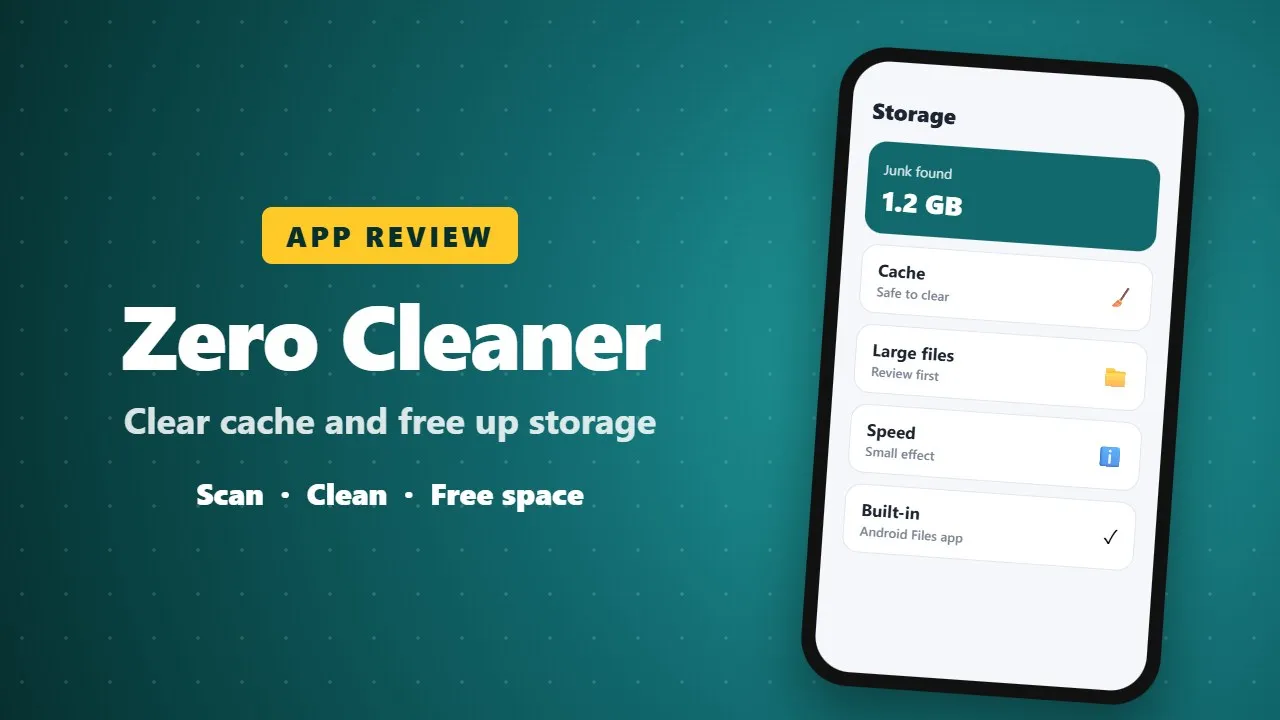
Zero Cleaner Review: Clear Cache and Free Up Storage on Android
Zero Cleaner removes cache and junk files to free storage on Android phones. It can help when storage is full, but cleaner apps cannot make a phone much faster on their own, and Android already includes a free storage cleaner in Settings.
In the age of smartphones, it’s easy for our devices to get bogged down with apps, files, and unnecessary data. Slow performance, laggy apps, and cluttered storage can be frustrating—but Zero Cleaner is here to solve these problems efficiently. This Android app is designed to keep your device clean, organized, and running at its best without any complicated setup.

Zero Cleaner focuses on one key task: managing and clearing app cache. Cache files are temporary files stored by apps to speed up performance, but over time, they can pile up and slow down your phone. With Zero Cleaner, you can easily analyze your apps’ cache usage and clear it whenever needed. The app gives you clear information on which apps are taking up space, so you always stay in control of your device’s storage. (0012)
What sets Zero Cleaner apart is its flexibility. You can clear cache manually, selecting apps one by one, or enable automatic cleaning. The app uses the Accessibility Service API to perform this function safely and seamlessly. And don’t worry—Zero Cleaner does not collect or share your personal data, keeping your privacy intact.
The app also tracks your cleaning activity with a detailed history feature. You can see when you last cleaned your apps and how much space you’ve freed over time. This insight is helpful if you want to maintain consistent performance and avoid storage problems before they happen.
Another smart addition is the floating dock. This feature allows you to access Zero Cleaner quickly from any screen, so clearing cache doesn’t require navigating through multiple menus. It’s fast, convenient, and perfect for anyone who wants a hassle-free cleaning solution.
Zero Cleaner is also lightweight and easy to use. Its clean, minimalist interface makes it approachable for beginners while still offering powerful features for more advanced users. The app doesn’t drain your battery or slow down your device, making it a reliable companion for daily maintenance.
In summary, Zero Cleaner is an essential app for Android users who want a fast, simple, and effective way to manage device storage and boost performance. From manual and automatic cache clearing to detailed history tracking and quick access via a floating dock, it combines convenience, privacy, and efficiency in a single package. If your phone is slowing down or running low on storage, Zero Cleaner can help restore its speed and keep it running like new.
Pros:
-
Easy cache analysis and clearing
-
Manual and automatic cleaning options
-
Detailed cleaning history
-
Quick access via floating dock
-
Privacy-friendly with no data collection
Cons:
-
Focused mainly on cache cleaning (not a full device optimizer)
Zero Cleaner is simple, reliable, and effective—a must-have for anyone looking to keep their Android phone in top shape.