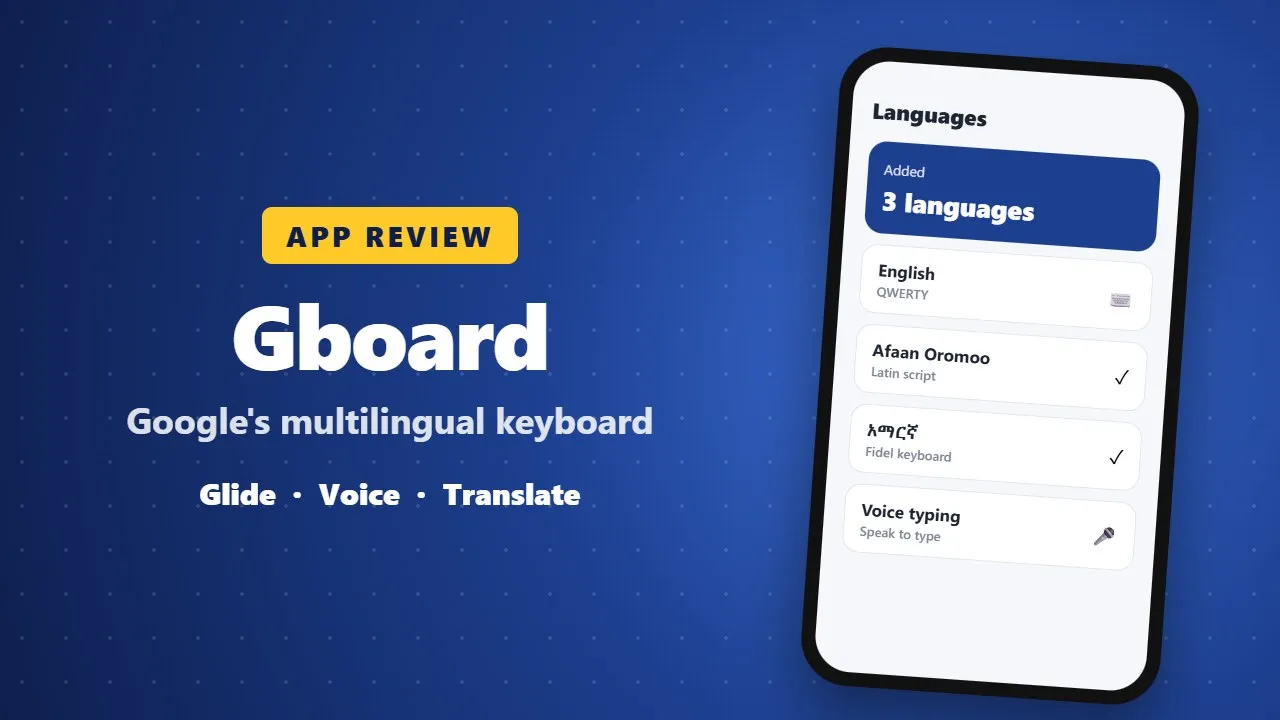
Gboard Review: Google's Keyboard for Fast, Multilingual Typing
Gboard is Google's free keyboard for Android and iPhone, with glide typing, voice typing, translation and support for many languages including Amharic and Afaan Oromoo. Here is how to set it up and get the most from it.
In today’s fast-paced digital world, typing speed, accuracy, and convenience matter more than ever. Gboard – the Google Keyboard is one of the most popular keyboard apps globally, offering a perfect blend of performance, intelligence, and customization. Developed by Google, Gboard transforms everyday typing into a faster, smarter, and more enjoyable experience for both casual users and professionals.
🚀 Key Features of Gboard
✍️ Advanced & Intelligent Typing
Gboard is built to maximize productivity with multiple smart typing methods:
-
Glide Typing – Type faster by sliding your finger across letters instead of tapping.
-
Voice Typing – Dictate messages hands-free with impressive accuracy and multilingual support.
-
Handwriting Input – Write naturally in cursive or printed letters directly on your screen.
-
Smart Autocorrect & Predictions – Reduces errors and adapts to your typing style over time.
These features make Gboard ideal for long conversations, professional writing, and quick replies.
🔍 Search, Emojis & GIFs – All in One Place
One of Gboard’s standout advantages is its built-in Google ecosystem:
-
Google Search Inside the Keyboard – Search for facts, places, videos, or news without leaving your app.
-
Emoji Search – Find emojis by keywords instead of scrolling endlessly.
-
GIF Search & Stickers – Express emotions better with trending GIFs and fun visuals.
Everything is available instantly, saving time and boosting communication creativity.
🌍 Multilingual Typing Made Easy
Gboard supports hundreds of languages and dialects, allowing you to type seamlessly without manually switching keyboards.
Supported languages include:
Arabic, Chinese, Hindi, Spanish, French, Russian, Portuguese, Korean, and many more.
With automatic multilingual detection, Gboard understands what language you’re typing and adjusts suggestions accordingly—perfect for global users and multilingual communication.
🌐 Built-In Translation & Accessibility
Gboard integrates Google Translate, enabling real-time translation as you type (not supported on Android Go devices). This feature is extremely useful for chatting with international contacts or learning new languages.
Accessibility options ensure ease of use for all users, including voice input and gesture-based navigation.
🎨 Customization & User Control
Gboard isn’t just powerful—it’s also highly customizable:
-
Theme customization (dark, light, gradient, or photo backgrounds)
-
Adjustable keyboard height and layout
-
One-handed mode for large screens
-
Always-on number row
-
Gesture controls:
-
Slide on space bar to move the cursor
-
Swipe left on delete to remove entire words
-
Long-press keys for symbols
-
These features give users full control over their typing experience. (0015)
⌚ Gboard on Wear OS
Gboard also works seamlessly on Wear OS smartwatches, bringing smart typing to your wrist:
-
Glide typing
-
Voice dictation
-
Emoji search
-
Support for multiple languages including Chinese, Korean, and Spanish
Smart gestures make typing on small screens surprisingly smooth and efficient.
⭐ Why Choose Gboard?
Gboard stands out as an all-in-one keyboard solution thanks to its speed, reliability, deep Google integration, and extensive language support. Despite its powerful features, it remains lightweight and battery-friendly, making it suitable for everyday use.
Whether you’re a content creator, multilingual user, frequent texter, or emoji lover, Gboard adapts to your needs effortlessly.
✅ Pros & ❌ Cons
✔ Pros
-
Highly accurate autocorrect and predictions
-
Fast glide typing support
-
Built-in Google Search & Translate
-
Extensive language support
-
Clean UI with deep customization
-
Wear OS compatibility
✖ Cons
-
May collect user typing data (privacy concerns)
-
Occasional lag on older or low-end devices
-
Emoji search could be more advanced
-
Slightly resource-heavy for very old phones
-
Limited advanced text editing tools
🏁 Final Verdict
Gboard – the Google Keyboard is one of the best keyboard apps available on Android today. Its intelligent features, smooth performance, and rich customization options make it a top choice for users who want more than just basic typing.
If you’re looking for a fast, smart, and reliable keyboard that enhances how you communicate every day, Gboard is absolutely worth installing.