DNA Launcher Review: Customize Your Android Home Screen
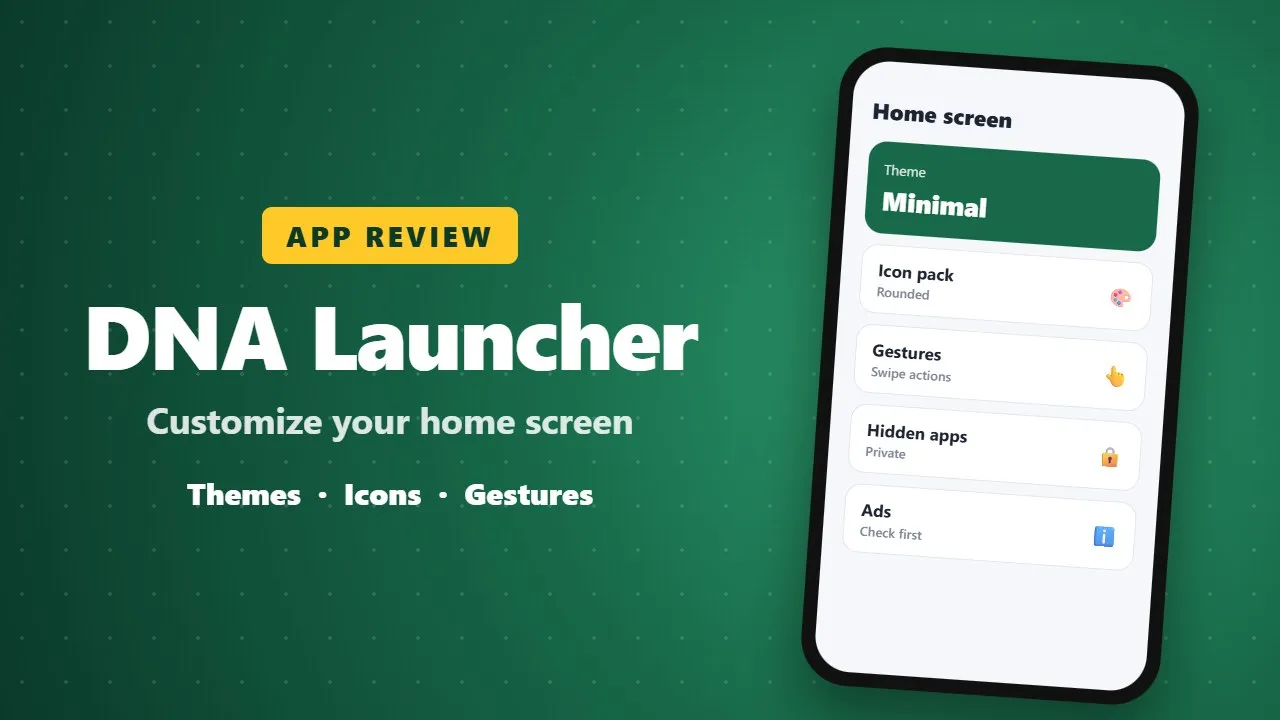
DNA Launcher lets you redesign your Android home screen with themes, icon packs, gestures and options to hide private apps. It is a good choice if you enjoy customizing your phone. Check ads and permissions before installing.
If you’re tired of boring Android launchers and want something that truly feels personal, DNA Launcher is a refreshing alternative. Designed with flexibility, privacy, and smooth performance in mind, DNA Launcher lets you shape your home screen exactly the way you want—just like your DNA.

Let’s take a closer look at what makes DNA Launcher stand out.
⭐ What Is DNA Launcher?
DNA Launcher is a powerful Android home screen replacement that supports multiple layout styles, advanced personalization, smart search, privacy protection, and smooth animations—all packed into a lightweight and well-optimized launcher.
Whether you love classic layouts, minimal designs, or futuristic holographic effects, DNA Launcher adapts to your style effortlessly. (0017)
🔑 Key Features That Make DNA Launcher Special
🧬 Multiple Launcher Styles
DNA Launcher isn’t locked to one design. You can switch between:
-
Classic Mode – Horizontal scrolling pages, familiar and simple
-
Minimalism Mode – One-hand friendly with alphabetical indexing
-
Holographic Mode – A unique 3D spinning launcher inspired by smartwatch UIs
Each mode feels fresh and functional.
✨ Deep Personalization
Customization is where DNA Launcher truly shines:
-
Change icon packs, icon shapes & sizes
-
Adjust fonts, layouts, and wallpapers
-
Customize your home screen to match your personality
Your launcher becomes as unique as your DNA 🧬
🔍 Smart & Fast Search
DNA Launcher includes an intelligent search system with:
-
App and contact search
-
Recent suggestions
-
Voice assistant support
-
Custom internet search engines (Google, DuckDuckGo, Bing, Baidu, and more)
Everything is just one swipe away.
🔒 Strong Privacy Protection
Privacy lovers will appreciate these features:
-
Hide apps for free
-
Lock apps and folders
-
Even lock folders inside folders
Your personal apps stay private—no paid upgrade required.
📂 Smart App Navigation
DNA Launcher offers two powerful ways to manage apps:
-
App Drawer – Alphabetical indexing with flexible layouts
-
App Library – Auto-categorizes apps and sorts them by usage frequency
You choose how you access your apps.

👋 Custom Gestures
Speed up your phone usage with customizable gestures:
-
Double-tap
-
Swipe up / down / left / right
-
Assign actions like opening apps, locking the screen, or launching the App Drawer
Convenience at your fingertips.
🎨 Smooth Effects & Animations
DNA Launcher balances beauty with performance:
-
Real-time blurred dock (optimized, no lag)
-
Elegant folder animations
-
App open/close effects
-
Automatic Day/Night Mode
Everything feels smooth and modern.
🛡️ Accessibility & Permissions Transparency
DNA Launcher uses Accessibility Service only for gesture-based screen locking.
✔ Optional
✔ Disabled by default
✔ No personal data collected
A big win for privacy and trust.
👍 Pros & 👎 Cons
✅ Pros
-
Highly customizable launcher
-
Multiple layout styles
-
Free privacy features
-
Smooth animations with low resource usage
-
Gesture support without ads overload
❌ Cons
-
New users may need time to explore all settings
-
Holographic mode may feel experimental for some users
⭐ Final Verdict: Is DNA Launcher Worth It?
Absolutely.
DNA Launcher is a perfect choice for users who want:
-
A beautiful and flexible launcher
-
Strong privacy controls
-
Modern animations without sacrificing performance
Whether you’re a minimalist, power user, or customization lover, DNA Launcher delivers a premium experience—for free.