SMS Forwarder Apps: How to Sync Your Own Messages Safely
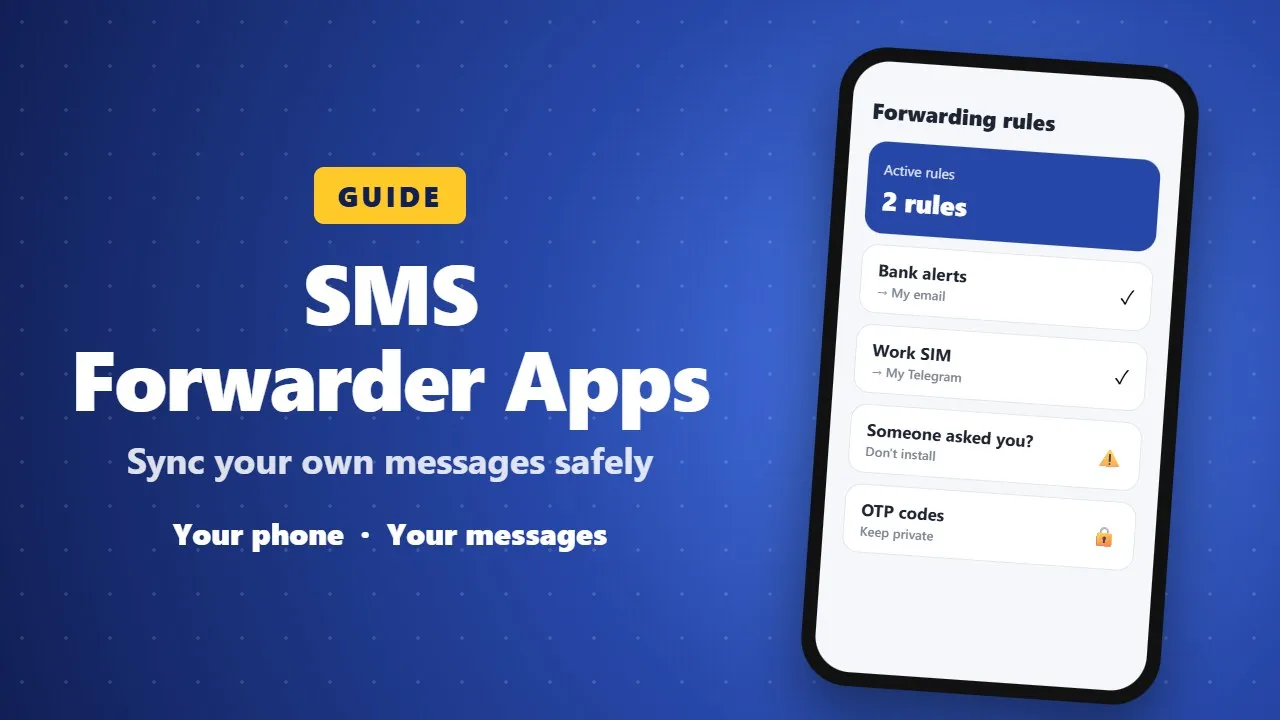
SMS forwarder apps copy messages from one phone to another phone, email or Telegram. They are useful for a second SIM or work phone, but scammers misuse them. Install one only on your own phone, never because someone asked you to, and keep OTP codes private.
Many people carry two phones: one for work, one for personal use. Others leave a second SIM at home and still need the bank alerts that arrive on it. SMS forwarder apps solve this by sending a copy of the messages you receive on one phone to another phone, your email or Telegram. They are handy, but they also handle very sensitive information. This guide explains how they work and how to use them safely.

📨 What an SMS forwarder does
You install the app on the phone that receives the messages, give it permission to read SMS and notifications, and set rules. When a new message arrives, the app forwards it to the place you chose, such as:
- another phone number,
- an email address,
- a Telegram chat,
- or your own server (for technical users).
Some apps also forward missed-call alerts, low-battery warnings and other notifications, which is useful when the second phone is far away.
✅ Good reasons to use one
- Receiving bank or delivery alerts from a SIM you keep at home.
- Seeing messages from your work phone on your personal phone or laptop.
- Keeping a backup of important messages in your email.
⚠️ The big warning
Forwarding apps are also used by scammers. A common trick is to call someone, pretend to be a bank or delivery company, and ask them to install an "app" that quietly forwards every SMS, including bank codes, to the scammer.
Some developers say this clearly on their Google Play page. For example, the SMS Forwarder app by Zerogic Inc. warns users: if someone else asked you to install it, do not install it.
- Only install a forwarder on your own phone, for your own messages.
- Never install one because a caller, seller or "support agent" told you to.
- Do not forward messages to an address or number you do not fully control.
- Installing it on someone else's phone without their knowledge is a privacy violation and illegal in many countries.
⚙️ How to set one up safely
- Install the app from Google Play and check the developer and recent reviews.
- Grant only the permissions it needs for the rules you will use.
- Create a rule, for example "forward messages from my bank to my email".
- Send yourself a test message and confirm it arrives.
- Review your rules every few months and delete the ones you no longer need.

🔐 Extra safety tips
- Avoid forwarding one-time passwords (OTP) unless you really need to.
- Protect the destination: use a strong password and two-step verification on the email or Telegram account that receives the copies.
- If your phone is lost, turn off forwarding from your account or uninstall the app as soon as you can.
📝 Final thoughts
An SMS forwarder can save you from carrying two phones everywhere. Use it only for your own messages, keep the destination secure, and never install one because someone else asked you to.