WiFi Map Review: Finding Wi-Fi Hotspots When You Travel
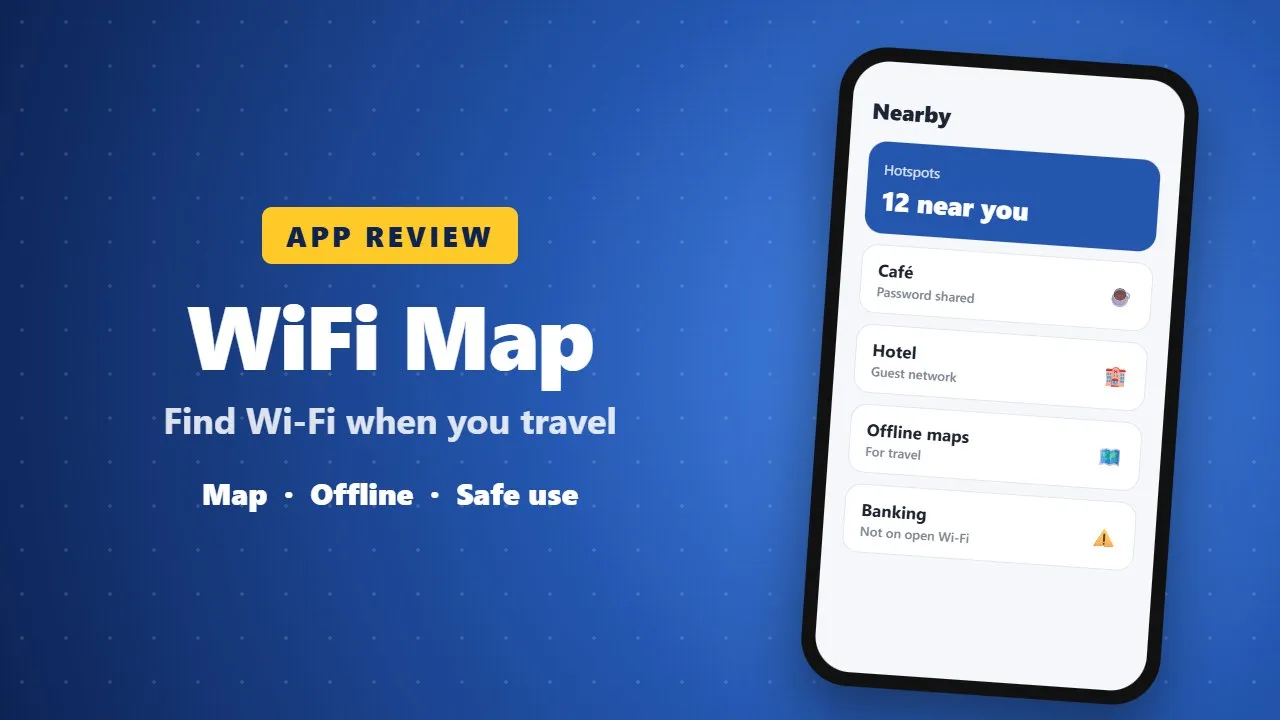
WiFi Map shows Wi-Fi hotspots shared by users around the world, with offline maps for travel. It can save mobile data, but public Wi-Fi is not always secure, so avoid banking on open networks and use HTTPS sites.
In today’s world, staying connected to the internet isn’t just convenient—it’s essential. Whether you’re traveling, working remotely, or just out and about, finding reliable Wi-Fi can sometimes be a real challenge. That’s where WiFi Map comes in. With the largest Wi-Fi community in the world, this app makes free internet access simple, fast, and dependable.

Explore the Largest Wi-Fi Database on the Planet
WiFi Map features over 150 million Wi-Fi hotspots worldwide, and the number keeps growing thanks to an active, global community. The app not only helps you find available hotspots but also provides actual passwords and connection tips shared by users everywhere. (0020)
Whether you’re at a café, airport, or hotel, WiFi Map ensures you always have the tools to get online.
Get Online Anywhere with eSIM
For frequent travelers, WiFi Map also offers eSIM plans that provide internet in over 70 countries. Packages range from 1GB to 10GB, allowing users to enjoy high-speed 4G and LTE connectivity with no contracts and easy activation in just a few taps.
Offline Maps for Total Convenience
No internet connection? No problem. WiFi Map allows you to download offline maps so you can access hotspot locations, public toilets, bathrooms, and even drinking fountains without needing a live connection.

Join a Community That Keeps You Updated
WiFi Map isn’t just an app—it’s a community. Users share hotspot data, test speeds, and provide updates, so you always have accurate and reliable information. This ensures you can find fast, functional Wi-Fi wherever you go.
Key Features of WiFi Map
-
Connect to millions of free Wi-Fi hotspots worldwide
-
Access genuine Wi-Fi passwords and connection tips
-
Use offline maps when traveling
-
Smart search and filters to find nearby hotspots
-
Add new hotspots to help others in the community
-
Share Wi-Fi locations with friends
-
Find public toilets, bathrooms, and drinking fountains
How to Connect
-
Open the WiFi Map app.
-
Search for available Wi-Fi hotspots nearby.
-
Connect using the details provided in the app.
-
Enjoy fast, free, and reliable internet wherever you are.
WiFi Map makes staying online effortless and stress-free. Whether you’re traveling internationally or navigating your city, this app is a must-have for anyone who relies on Wi-Fi to stay connected.