HD Camera App Review: Manual Controls for Better Phone Photos
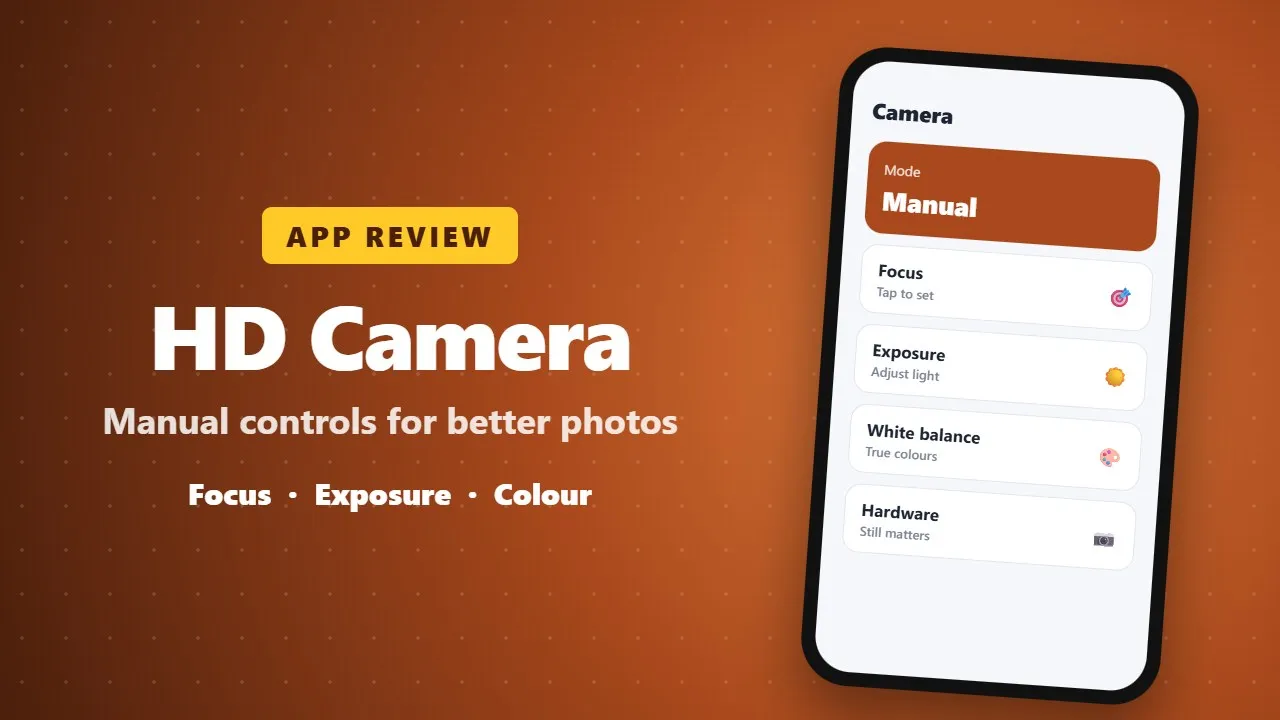
HD Camera adds manual controls such as focus, exposure and white balance to your Android camera. It can improve results in tricky light, but photo quality still depends on your phone's camera hardware.
We’ve all been there. You see a breathtaking sunset or a perfect candid moment, you snap a photo with your phone, and the result is… meh. It’s blurry, the colors are flat, and it looks nothing like what you see with your eyes.
The truth? Your phone’s hardware is probably amazing, but your default camera app is holding you back. If you’re ready to unlock the full potential of your lens, it’s time to talk about HD Camera. Based on the legendary Open Camera framework, this app is the "Pro Mode" you’ve been waiting for—without the $1,000 price tag.
📸 The "Magic" Features You’ll Actually Use
Most camera apps are either too simple or so complex you need a PhD to take a selfie. HD Camera hits the sweet spot.
1. HDR Mode: Say Goodbye to Shadows
Ever take a photo where the sky is white and the ground is pitch black? HD Camera’s High Dynamic Range (HDR) balances the light, pulling detail out of the shadows and keeping the sky blue. It’s like giving your phone "super-vision."
2. Real-Time Filters (No Post-Processing Needed!)
Why wait until you’re on Instagram to see how a photo looks? You can preview stunning color effects and filters live. What you see is exactly what you get. (0021)
3. Professional Stability
Shaky hands? No problem. The auto-stabilization feature uses advanced algorithms to level your photos perfectly. It’s like having a tiny digital tripod built into your software.
4. Total Control
From continuous shooting (perfect for sports or hyperactive pets) to customizable volume keys that act as physical shutter buttons, this app makes your phone feel like a DSLR.
⚖️ The Honest Breakdown: Pros vs. Cons
| The Wins (Pros) | The Catch (Cons) |
| Zero Cost: Professional tools for $0. | Learning Curve: There are a lot of settings to explore. |
| Privacy First: Open-source code means no hidden tracking. | Battery Use: High-res video uses significant power. |
| Lightweight: Doesn't bloat your storage. | No Editing Suite: It’s a camera, not a Photoshop clone. |
🔍 Why it Beats Your "Stock" Camera App
Research shows that most manufacturer-installed camera apps are designed for "safe" middle-of-the-road shots. They often over-process images, making them look "waxy."
HD Camera gives the power back to you. By utilizing the GNU General Public License framework, it provides "clean" image processing. You get raw beauty, higher bitrates for video, and the ability to choose your resolution down to the last pixel.
Pro Tip: If you’re a content creator, use the "Lock Exposure" feature in HD Camera. It prevents your video from flickering when you move, giving your TikToks or Reels a high-end cinematic look.
🏆 The Verdict: Should You Download It?
If you are tired of "flat" photos and want a tool that actually listens to your commands, HD Camera is a no-brainer. It’s reliable, it’s powerful, and it’s built on a foundation of transparency.
It won't replace a $3,000 Sony camera, but it will make your friends ask, "Wait, you took 그게 (that) with your phone?"
Ready to level up?
-
Source Code: Open Camera Project
-
The Philosophy: Open-source, user-first photography.