Control Widget Review: A Customizable Control Panel for Android
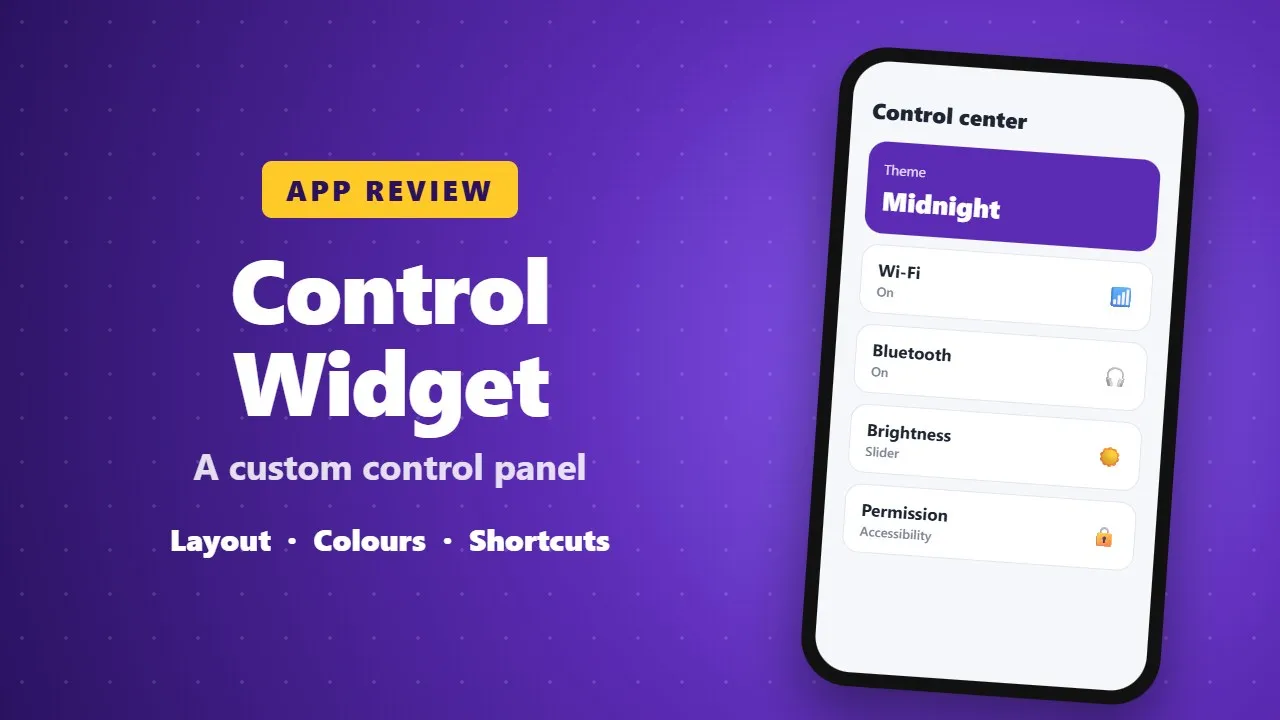
Control Widget replaces the standard Android quick settings panel with a customizable control center. You can change the layout, colours and shortcuts. It needs accessibility permission, so install it only from Google Play and check the developer.
Android is known for its flexibility and freedom, and Control Widget fully embraces that spirit by transforming the ordinary quick settings panel into a beautiful, customizable control center. Instead of settling for the default system layout, this app gives users the power to personalize how they control their device — blending modern aesthetics, smart functionality, and instant access into one seamless experience.

A Control Panel Designed to Impress
From the moment you activate Control Widget, it becomes clear that this app is built with design in mind. Inspired by modern mobile aesthetics, it turns your control panel into a visual extension of your home screen. Users can choose from thousands of themes, ranging from anime and K-pop designs to neon gradients, minimal layouts, soft coquette styles, sports themes, and even TV or film-inspired looks.
What makes Control Widget truly special is its one-tap transformation. With a single tap, your entire control panel updates instantly. There is no lag, no restart, and no complicated setup — just smooth transitions that let you change styles whenever your mood changes.
Smart Features for Everyday Use
Control Widget is not just about looks; it is packed with essential tools designed to make daily phone use easier. Brightness and volume controls feature smooth, responsive sliders, allowing precise adjustments. Core connectivity options such as Wi-Fi, Bluetooth, and Airplane Mode are easily accessible, saving time and reducing unnecessary steps.
Additional tools include Do Not Disturb mode, screen rotation lock, screenshot and screen recording options, and a one-tap flashlight. Everything is neatly organized within a single swipe, creating a cleaner and more efficient user experience.
Built for Personalization Lovers
Personalization is where Control Widget truly shines. The app allows users to fully customize their control panel so it matches their wallpaper, launcher, and icon pack. Even more impressive is the option to request custom themes, giving users the chance to influence future designs.
This level of flexibility makes Control Widget ideal for users who enjoy aesthetic phone setups and want their device to feel truly unique.

Smooth Performance with Privacy in Mind
Despite its rich visuals and features, Control Widget remains lightweight and responsive. The app uses Accessibility Services only to enable essential functions like music and volume control, while Foreground Services support screen recording and screenshots. Importantly, the app does not collect or store personal data, ensuring user privacy and transparency. (0022)
Why Control Widget Is Worth Trying
✔ Stylish and modern control panel design
✔ Thousands of themes and instant style switching
✔ All essential controls in one swipe
✔ Smooth performance and user-friendly interface
✔ Strong focus on privacy and reliability
Final Thoughts
Control Widget successfully redefines what an Android control panel can be. It combines beauty, speed, and deep customization into a single app that enhances both usability and visual appeal. Whether you love minimal designs or bold aesthetics, this app gives you full control over how your phone looks and feels.
If you want to upgrade your Android quick settings and enjoy a more personalized experience, Control Widget is a must-have app.
_____________________________