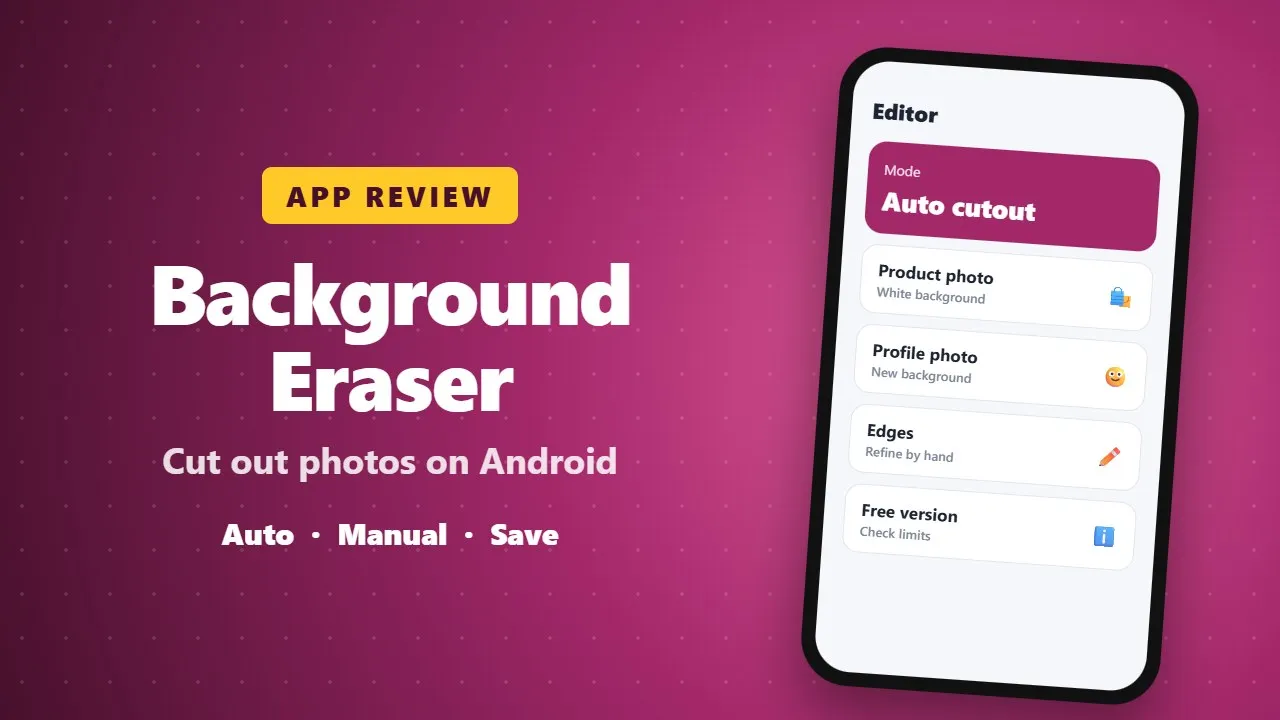
Background Eraser Photo Editor Review: Cut Out Photos on Android
Background Eraser removes or replaces photo backgrounds on Android, with automatic and manual tools. It is handy for product photos and profile pictures. Check which features are free and how your photos are stored.
In the era of social media, eCommerce, and digital content creation, the ability to edit photos professionally has become more important than ever. Whether you’re a content creator, small business owner, or just someone who loves making fun and creative posts, having the right tools can make a huge difference. One tool that has been gaining popularity is the Background Eraser Photo Editor, a powerful app that allows you to remove backgrounds, replace them, and create stunning images with ease. In this review, we will dive deep into the app’s features, usability, and benefits, and explain why it stands out as one of the best photo editing tools available today.

✨ What Is the Background Eraser Photo Editor?
At its core, the Background Eraser Photo Editor is designed to help users remove and replace backgrounds in photos. Unlike traditional photo editing apps that require time-consuming manual work, this app offers smart, AI-powered tools that make background removal fast, precise, and effortless. Whether you want to create a transparent image for graphic design, remove distractions from a photo, or change the background entirely for social media, this app makes it simple and intuitive. (0025)
The app is suitable for anyone, from beginners who have never edited photos before to professionals who need precision tools for eCommerce product photos, marketing posts, or social media content.
🎯 Smart & Powerful Editing Tools
One of the standout aspects of the app is its AI-powered editing tools. The developers have combined smart automation with manual precision to ensure users get professional results, even when working with complex images.
Here’s a detailed look at the main tools:
✅ 1. Auto Mode
The Auto Mode allows you to remove backgrounds with just one tap. Using AI, the app detects edges and objects in the image, making it perfect for photos with clear subjects. This is particularly useful for profile pictures, product shots, or any image where speed is important.
✅ 2. Manual Mode
For users who want complete control, the Manual Mode offers a suite of tools to refine your edits:
-
Magic Eraser: Quickly remove unwanted sections with AI assistance.
-
Object Eraser: Perfect for deleting objects, text, or distractions from your photos.
The combination of Auto and Manual modes ensures that you can handle both simple and complex images with ease.
✅ 3. Photo Background Changer
After removing the background, the app lets you replace it creatively. You can choose from solid colors, gradients, or high-quality images. This is ideal for creating marketing visuals, social media posts, or just fun edits to make your photos stand out.
✅ 4. Bulk Background Removal
If you work with multiple images, like for eCommerce products or profile pictures, the bulk remove feature can save hours of work. Instead of editing images one by one, you can process them all at once, maintaining consistency across your photos.
✅ 5. Creative Tools
Beyond background removal, the app includes tools for cropping, cutting, and creating collages. This allows users to finish their edits without switching to another app, making it a complete photo editing solution.
📸 Why This App Stands Out
There are many background eraser apps available, but this one stands out for several reasons:
-
AI Precision: The app uses AI to detect edges accurately, even for difficult areas like hair or detailed objects.
-
Ease of Use: The interface is intuitive and beginner-friendly, while still offering advanced tools for professional use.
-
Versatility: You can remove backgrounds, change them, blur them, or keep them transparent.
-
Quality Exports: Images retain high resolution after editing, which is crucial for professional use.
-
Creative Freedom: From collages to bulk edits, the app provides tools to handle every editing need without relying on multiple apps.
🌟 Perfect for Everyone
Whether you’re a professional designer, a social media influencer, or a casual user, this app adapts to your needs:
-
Content Creators: Quickly remove backgrounds and replace them with attention-grabbing visuals.
-
Small Business Owners: Edit product photos professionally to make your eCommerce listings look polished.
-
Casual Users: Make fun edits, memes, or personalized images for social media in seconds.
The app’s magic eraser feature is particularly useful for removing unwanted objects or text from images, making it incredibly versatile for different scenarios.
🚀 Key Benefits
Here’s a quick summary of why this app is a must-have for anyone working with photos:
-
Fast and accurate image background remover – Save time with AI-powered edge detection.
-
Customizable photo background changer – Hundreds of options for backgrounds and effects.
-
Powerful object eraser – Remove distractions, objects, or text in seconds.
-
Bulk editing feature – Perfect for batch processing multiple photos at once.
-
Easy-to-use interface – Suitable for beginners and pros alike.
-
High-quality exports – Preserve resolution and quality for professional use.
-
Creative tools – Crop, cut, blur, and create collages all in one app.
💡 How It Can Transform Your Workflow
Imagine running an online store and needing professional-looking product photos. Instead of hiring a designer or spending hours in Photoshop, this app lets you:
-
Remove backgrounds from dozens of product images in bulk.
-
Replace backgrounds with clean white, gradient, or branded images.
-
Refine any details using the magic or object eraser.
-
Export high-quality images ready for listing on your website.
For content creators, the workflow is equally seamless. You can instantly remove distracting elements from photos, swap backgrounds for seasonal themes, or create engaging social media content—all in one app.
🔍 User Experience & Interface
The app is designed for simplicity and efficiency. You don’t need a steep learning curve to get professional results. Every tool is clearly labeled, and the combination of AI automation with manual adjustments ensures precision without frustration. The workflow is intuitive: select an image, choose Auto or Manual mode, refine edges, and export.
📥 Download & Start Editing Today
If you’re tired of struggling with complicated editors, Background Eraser Photo Editor offers a fast, smart, and versatile solution. Remove backgrounds like a pro, replace them creatively, and fine-tune every detail with a few taps. Whether for work or fun, this app simplifies photo editing and unlocks your creative potential.
Stop spending hours on Photoshop or multiple apps—download Background Eraser Photo Editor today and transform your images effortlessly.
✅ Final Verdict
The Background Eraser Photo Editor is more than just a background remover. It’s a comprehensive photo editing tool that combines speed, precision, and creativity. With AI-powered edge detection, bulk editing, customizable background options, and high-quality exports, this app is perfect for professionals and casual users alike.
If you want professional-looking photos, stunning social media content, or polished eCommerce images without complicated software, this app is the ultimate solution.