Computer Launcher: A Full PC Experience on Android
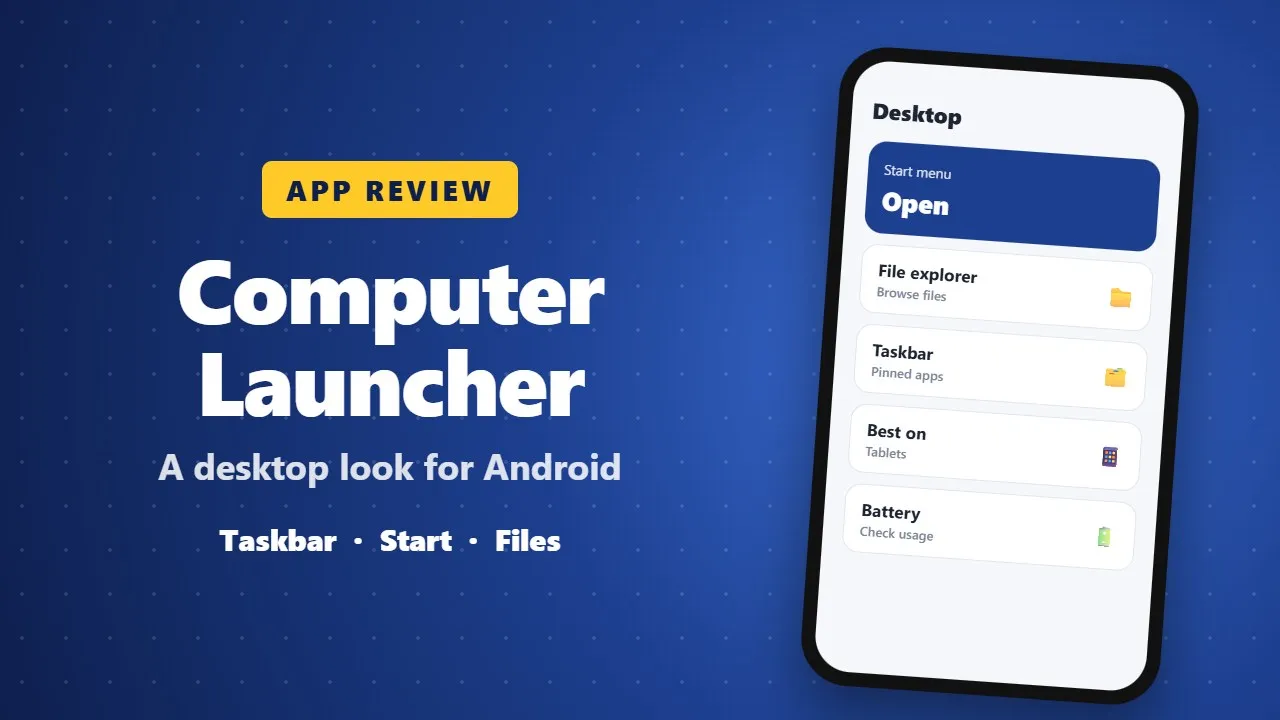
Computer Launcher gives your Android phone a desktop-style home screen with a taskbar, start menu and file explorer. It is fun on tablets and large phones. Check ads, permissions and battery use before switching launchers.
In today’s fast-paced digital world, smartphones are no longer just communication tools. They have become productivity hubs, entertainment centers, and even workstations. But what if your Android phone could look and feel like a real computer—complete with a desktop, taskbar, Start menu, and file manager?

That’s exactly what Computer Launcher offers.
Computer Launcher is a powerful Android launcher designed to transform your smartphone into a PC-style desktop and tablet computer experience, inspired by the modern Windows 11 interface. Whether you are a tech enthusiast, a productivity lover, or someone who simply enjoys a clean and professional desktop look, this launcher delivers an unmatched experience.
Let’s dive deep into how Computer Launcher can completely change the way you use your Android phone.
What Is Computer Launcher?
Computer Launcher is a feature-rich PC Launcher for Android that gives your phone the appearance and functionality of a desktop computer. It brings together the best of desktop productivity and mobile convenience, allowing users to multitask, manage files, customize layouts, and enjoy a modern UI—all from their phone.
Unlike ordinary launchers that focus only on icons and wallpapers, Computer Launcher recreates the entire desktop ecosystem, including:
- Start Menu
- Taskbar
- Desktop shortcuts
- File explorer
- Widgets
- PC-style notifications
In short, it turns your Android device into a mini computer you can carry anywhere.
A Complete Desktop Experience on Android
One of the standout features of Computer Launcher is how closely it mimics a real computer interface. From the moment you install it, you’ll notice the difference.
🖥️ Desktop Layout
Your home screen becomes a true desktop, where you can:
- Place apps and contacts as desktop icons
- Create folders and rename them
- Drag and drop items just like on a PC
- Organize everything neatly for fast access
This layout is especially useful for users who prefer structure and efficiency over cluttered mobile screens.
Windows 11–Inspired Design: Clean, Modern, Powerful
Computer Launcher takes inspiration from Windows 11, delivering a sleek and polished UI. The soft edges, elegant taskbar, modern icons, and smooth animations make your phone look premium and professional.
🎨 UI Highlights
- Stylish taskbar with multitasking support
- Smooth animations for opening and switching apps
- Modern tiles and icons
- Clean layout designed for both phones and tablets
If you love the look and feel of Windows 11, you’ll instantly feel at home.
Key Features of Computer Launcher
🖥️ Start Menu Like a Real Computer
Access all your apps quickly through a classic PC-style Start Menu. No more endless scrolling—everything is organized and easy to find.
🖥️ Advanced Taskbar & Multitasking
The PC-style taskbar allows you to:
- Switch between running apps
- See active applications
- Manage multitasking efficiently
This feature is perfect for users who use multiple apps at once, such as messaging, browsing, and file management.
📂 Full File Management System
Computer Launcher includes a built-in file explorer that lets you:
- View internal storage and SD cards
- Access images, videos, documents, and downloads
- Manage files easily, just like on a computer
This makes it an excellent choice for power users and professionals.
🔔 Smart Notifications & Counters
Stay informed with notification counters directly on desktop icons. You’ll know exactly how many messages, updates, or alerts you have without opening each app.

🧩 Useful Desktop Widgets
Enhance your desktop with widgets such as:
- Clock
- Weather
- News
- RAM usage monitor
These widgets add both functionality and visual appeal to your desktop.
🔐 App Lock for Security
Protect your privacy by locking sensitive apps. Whether it’s social media, banking, or private files, Computer Launcher helps keep your data safe.
🎨 Endless Customization Options
Customization is where Computer Launcher truly shines.
You can:
- Change wallpapers and live wallpapers
- Apply different icon packs
- Adjust colors and themes
- Customize desktop layout
- Add extra home screens
Your desktop becomes unique, stylish, and fully personalized.
Tablet Computer Look – Perfect for Big Screens
Computer Launcher is optimized not only for phones but also for tablets and large-screen devices. It delivers a true tablet computer look, making your device feel like a lightweight laptop replacement. (0026)
For users who connect their phone to external displays or use large tablets, this launcher is a game-changer.
Performance Meets Productivity
Despite its powerful features and rich UI, Computer Launcher is designed to be smooth and responsive. It balances performance and visuals efficiently, ensuring:
- Fast app launches
- Smooth navigation
- Minimal lag
It’s built for users who want speed, style, and productivity in one package.
Who Should Use Computer Launcher?
Computer Launcher is ideal for:
- Users who love PC-style interfaces
- Professionals who want better productivity on mobile
- Students managing files and apps efficiently
- Tablet users seeking a desktop-like environment
- Anyone who wants a modern and unique Android experience
A Desktop Experience in the Palm of Your Hand
Computer Launcher is more than just a launcher—it’s a complete transformation of your Android device. It brings together:
- The power of a PC
- The simplicity of a tablet
- The portability of a smartphone
With its Windows 11–inspired design, advanced multitasking, and deep customization options, Computer Launcher delivers one of the best desktop launcher experiences on Android.
Permissions Disclaimer
To provide its core desktop-like features, Computer Launcher requires certain permissions:
Accessibility Permission
This permission is used only to:
- Enable screenshot services
- Support desktop-style interactions
⚠️ No personal data is collected, read, or shared.
All permissions are used strictly for UI functionality and user experience.
Final Thoughts
If you’ve ever wished your Android phone could work and look like a computer, Computer Launcher is the perfect solution. It blends elegance, performance, and practicality into one powerful launcher.
✨ Turn your phone into a PC.
✨ Boost productivity.
✨ Enjoy a premium desktop experience—anywhere, anytime.
Computer Launcher truly puts a desktop computer in your pocket.