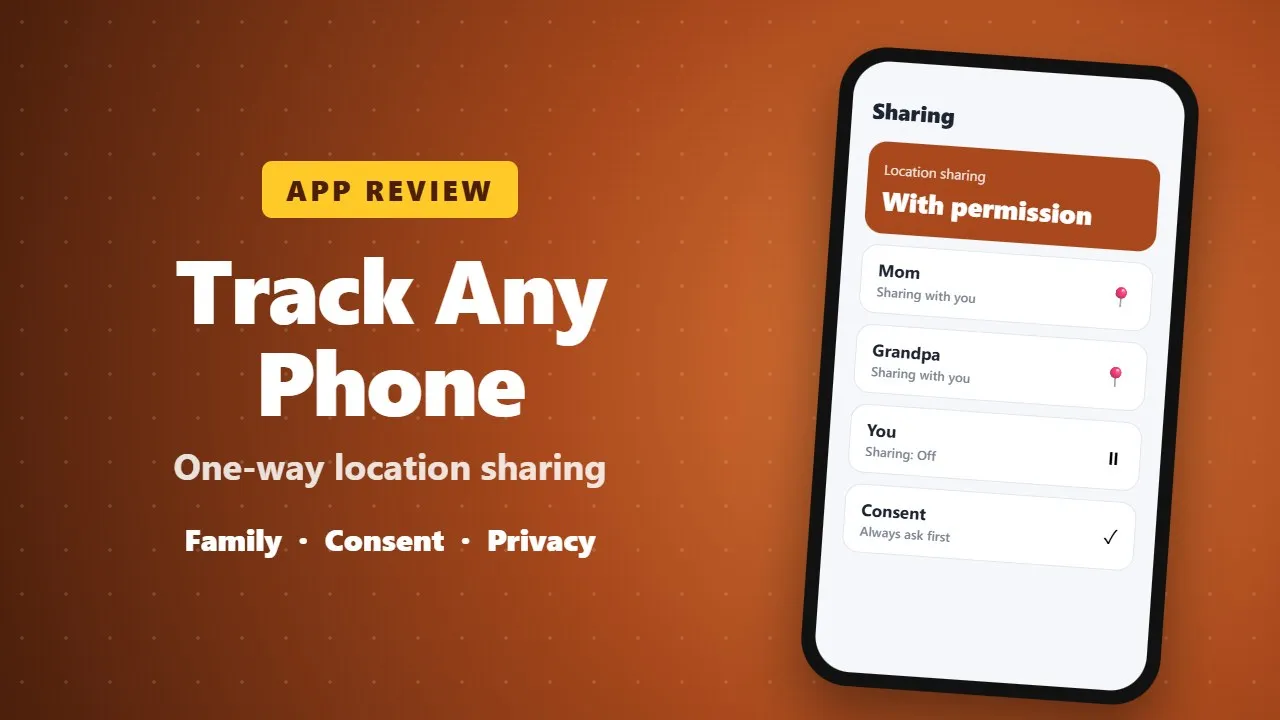
Track Any Phone Review: One-Way Location Sharing for Families, With Consent
Track Any Phone (iLocateMobile) lets people share their location one way with family or caregivers. Use it only with the other person's agreement, expect higher battery use, and check permissions and subscription prices. To find your own lost phone, Google's free Find My Device also works.
Location-sharing apps can be genuinely useful: a parent wants to know a child got home from school, or an older relative wants family to find them quickly if something goes wrong. But they can also be misused to follow someone without permission. In this review we look at Track Any Phone (iLocateMobile), a one-way location-sharing app on Google Play, and explain how to use apps like it the right way.
📱 What the app does
Track Any Phone is published by Family Locator Apps. Its main idea is one-way sharing: a person chooses to share their location with someone else, but does not have to see the other person's location in return. On many family apps, sharing goes both ways, which not everyone wants.
🧭 Main features
- Share your live location with people you choose.
- Turn sharing on or off whenever you want.
- See the location of people who have agreed to share with you.
- Useful for families, caregivers and travelers who want simple check-ins.
✅ Consent comes first
This is the most important part of any location app. Only track a phone when its owner knows about it and has agreed. Installing a tracker on someone else's phone secretly, whether a partner, friend or employee, is a serious invasion of privacy and is illegal in many countries.
- For children: explain to them that the app is on their phone and why.
- For older relatives: set it up together, so they know how to turn sharing on and off.
- For friends and travel: share only for the time you need, then switch it off.
🔋 Things to know before you install
- Live location uses GPS and mobile data, so battery use goes up.
- The app needs location permission. It should not need your contacts or SMS for basic sharing.
- Check the Data safety section on Google Play to see what data is collected and shared.
- Some features may require a subscription. Check the price before you start a trial.
👍 What we liked
- One-way sharing gives people more control than two-way family apps.
- Simple idea that is easy to explain to family members.
👎 What could be better
- Constant GPS use can drain the battery.
- The name "Track Any Phone" can give the wrong idea. The app works with people who agree to share, not with any random number.
🆓 Free alternative worth knowing
If you only want to find your own lost Android phone, Google's built-in Find My Device already does this for free. Sign in at google.com/android/find with the same Google account to ring, lock or locate your phone.
📝 Final verdict
Track Any Phone is a reasonable option for families who want simple, one-way location check-ins. Use it openly, with the other person's agreement, and switch sharing off when it is no longer needed.