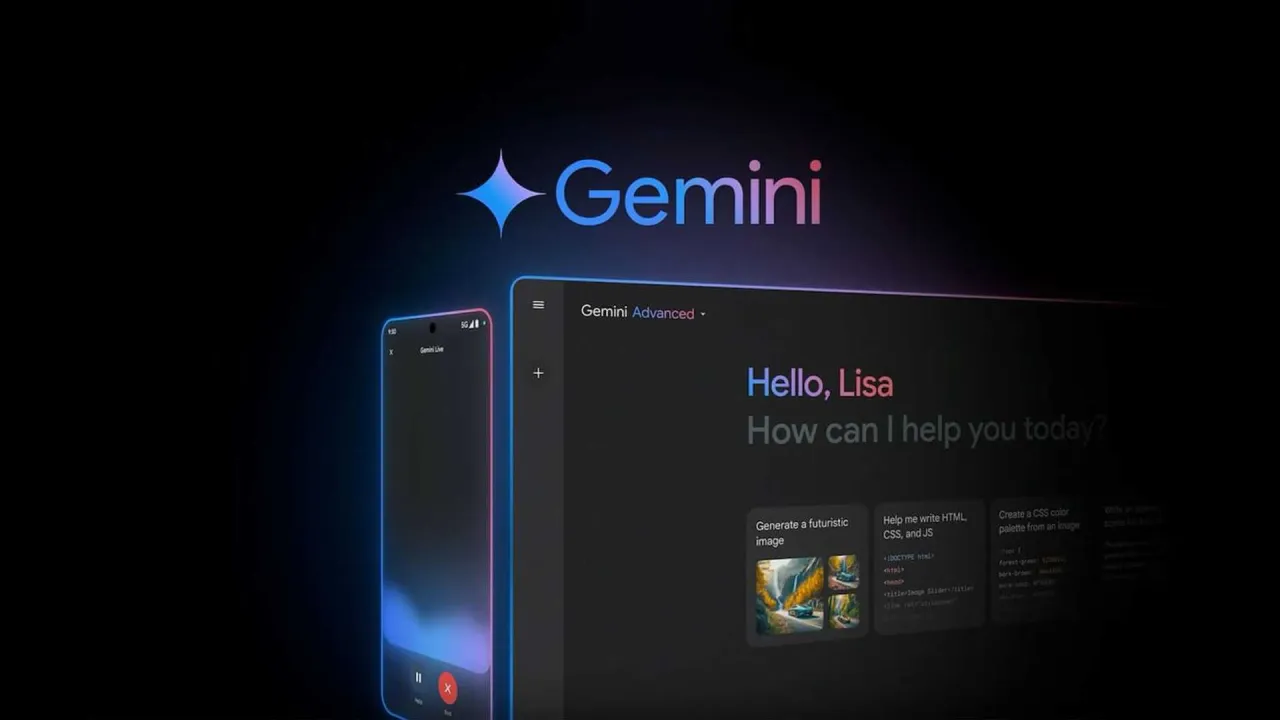
Gemini App Review: The Future of AI Assistance by Google
In today’s world of rapid innovation, Google’s Gemini app stands out as one of the most powerful AI assistants ever created. Designed to supercharge your creativity and productivity, Gemini combines the intelligence of Google’s advanced AI models with deep integration across your favorite Google apps — from Gmail and YouTube to Maps and Search.
🌟 What Is Gemini?
Gemini is Google’s next-generation AI assistant that replaces the traditional Google Assistant on your phone. It’s powered by the Gemini family of models, including the new 2.5 Flash and 2.5 Pro, delivering smarter, faster, and more creative responses.
You can brainstorm ideas, summarize documents, create visual content, generate videos, and even go live with Gemini to discuss what’s on your screen or camera — all from one app.
🚀 Key Features of the Gemini App
1. Go Live with Gemini
The “Go Live” feature lets you interact with Gemini in real-time using your camera or screen. You can brainstorm ideas, rehearse for meetings, or get explanations about anything you see. It’s like having a personal coach, teacher, and creative partner in your pocket.
2. Bring Ideas to Life with Canvas
Gemini’s Canvas mode transforms your imagination into reality. Whether you want to design an app, a website, or a game — Gemini helps you move from prompt to prototype in minutes.
3. Deep Google Integration
Gemini connects effortlessly with your favorite Google services, including Search, YouTube, Maps, Gmail, and Drive. It can fetch information, summarize emails, plan trips, and even analyze files — all in a single conversation.
4. Smarter Studying and Learning
Gemini acts as your AI study companion, capable of generating quizzes, flashcards, summaries, and real-world examples for any topic. You can also turn long documents into podcasts to listen on the go.
5. Stunning Image and Video Generation
Using cutting-edge models like Nano Banana and Veo 3.1, Gemini can create and edit high-quality images and short videos from text prompts. The results are incredibly detailed and creative.
💎 Gemini Subscription Plans
Google offers multiple subscription tiers for users who want more power and capability:
Gemini Plus Plan
-
Access to 2.5 Pro model
-
Deep Research for advanced topic reports
-
Video generation with Veo 3.1 Fast
-
Extra creativity tools and faster responses
Gemini Pro Plan
-
Industry-leading 1M token context window (up to 1,500 pages of text!)
-
Handles large projects and coding tasks
-
Enhanced access to Deep Research and Veo 3.1 Fast
Gemini Ultra Plan
-
Exclusive access to Gemini 2.5 Deep Think
-
Early access to new AI features, like Agent Mode
-
The most powerful Google AI experience available
⚙️ Replacing Google Assistant
Once installed, the Gemini app can replace Google Assistant as your phone’s default assistant. However, some voice features from Assistant may not yet be available. You can always switch back if needed via the settings menu.
🔒 Privacy and Data Protection
Google ensures transparency through the Gemini Apps Privacy Notice, which outlines how your data is processed and protected. You can review it at:
👉 https://support.google.com/gemini?p=privacy_notice
✅ Final Verdict
The Gemini app is not just an assistant — it’s a complete AI ecosystem that merges creativity, productivity, and intelligence. Whether you’re a student, developer, business professional, or creative thinker, Gemini adapts to your needs and helps you get more done with ease.
With features like Live Mode, Canvas Creation, AI-powered Deep Research, and integration with Google apps, Gemini sets a new standard for what an AI assistant can do. (001)
If you want to experience the next generation of Google AI, download Gemini today and explore the future of digital assistance.