SMS Forwarder: Sync SMS Across Devices for Free
In the modern digital era, communication no longer happens on a single device. Many users manage work, banking, verification codes, and personal communication across phones, computers, and messaging platforms. However, SMS messages are still tied to one device by default. This is where SMS Forwarder becomes an essential tool.
SMS Forwarder is a powerful Android application designed to synchronize incoming and outgoing SMS messages with other devices and platforms in real time. Even better, the app is currently available 100% free, including premium features that are usually locked behind subscriptions in similar apps. (0011)
What Is SMS Forwarder?
SMS Forwarder allows users to automatically forward SMS messages and notifications from their phone to other destinations such as email, Telegram, another phone number, or a custom server URL. The app is built for productivity and automation, not spying. It works only on the device where it is installed and does not allow access to other people’s messages, lost phones, or third-party devices.
This clear focus on privacy and ethical use makes SMS Forwarder a trustworthy solution for everyday users and professionals alike.
Easy Setup and User-Friendly Interface
Getting started with SMS Forwarder is simple:
-
Install the application and complete the initial setup.
-
Register an account, verify your email, and log in.
-
Enter the phone number, email, Telegram chat, or URL where you want messages forwarded.
-
Customize filters and rules if needed.
The interface is clean and well-organized, making it easy even for non-technical users to configure.
Supported Message Types
SMS Forwarder supports multiple types of messages:
-
SMS Messages – Choose to forward incoming messages, outgoing messages, or both.
-
Notifications – Forward notifications from all apps or selected apps only.
-
OTP Messages – Includes a dedicated option to enable or disable forwarding of bank and verification OTPs.
-
MMS – Currently under development and expected in future updates.
This flexibility makes the app useful for banking alerts, business notifications, and system monitoring.
Multiple Forwarding Destinations
One of the strongest features of SMS Forwarder is its wide range of destinations:
-
Another Phone Number (carrier charges may apply)
-
Email via app server, Gmail API, or custom SMTP
-
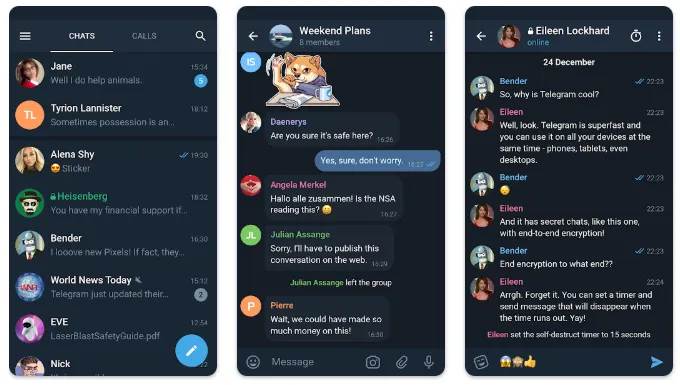
Telegram private chats or group chats
-
ICQ and VKontakte
-
Custom URL for sending message data to your own server
-
WeChat (coming soon)
This makes the app ideal for developers, automation workflows, and multi-device users.
Advanced Features
SMS Forwarder goes far beyond basic forwarding:
-
Filter messages by specific contacts or applications
-
Set keyword-based rules to allow or block messages
-
Use RegEx rules to modify message text before forwarding
-
Customize message templates with sender info, time, and SIM details
-
Support for dual SIM phones
-
Roaming control to save data
-
Password protection for app security
These features give users complete control over how and where their messages are sent.
Free vs Premium
The app follows a freemium model, but currently offers full premium access for free due to Google Play payment restrictions. Users can enjoy all advanced features without paying, which makes this app extremely valuable.
SMS Forwarder is one of the most powerful and flexible SMS synchronization apps available today. With real-time forwarding, advanced filters, strong privacy protection, and premium features currently free, it stands out as an excellent choice for anyone who needs SMS access across multiple devices.