How to set Google Translate as the default translation app on iPhone
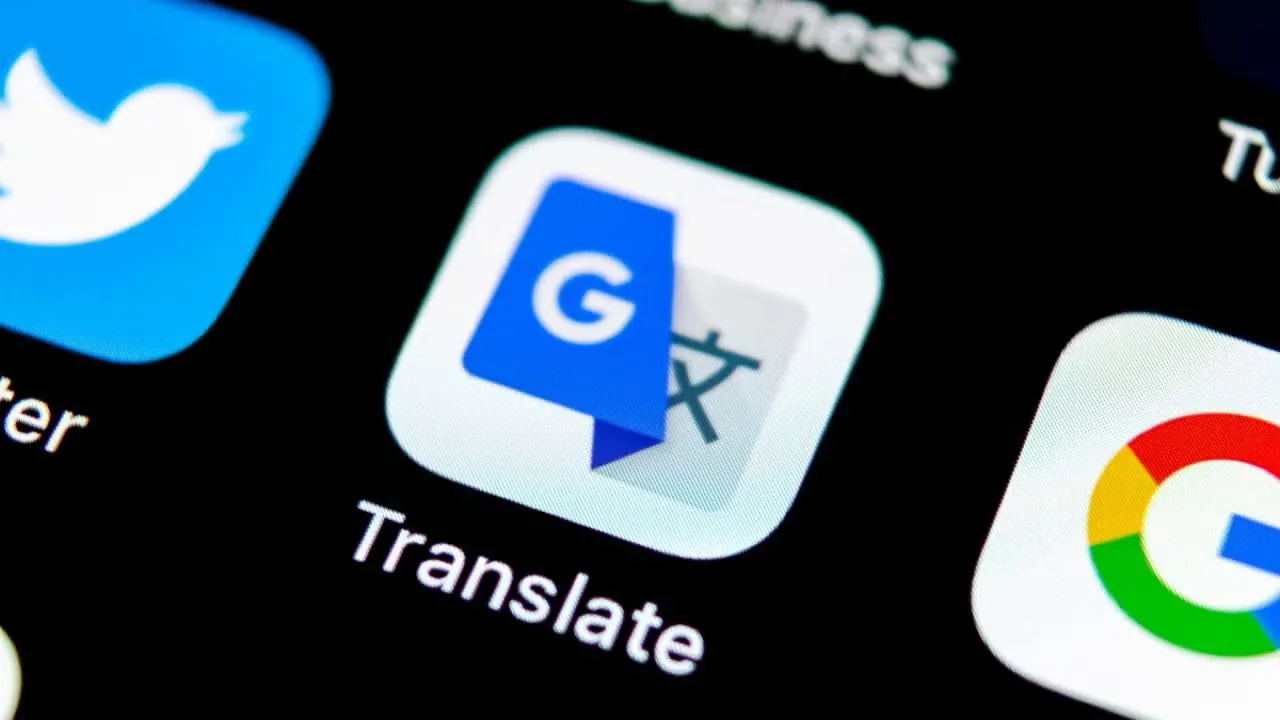
With the release of iOS 18.4, Apple has introduced a long-awaited feature: the ability to change your default translation app. This move aligns with broader regulatory pressures, especially from the European Union, and gives iPhone and iPad users more control over system functions. Now, Google Translate can be set as your go-to translation tool across the system.
Why Apple made this change
Apple historically restricted users to its built-in Translate app, especially for translations initiated by Siri or text selection tools. But under new regulations like the EU’s Digital Markets Act, Apple is now required to allow third-party apps more system-level access. While this change responds to EU mandates, Apple has decided to roll out the feature globally, not just in Europe.
How to make Google Translate your default app
Setting up Google Translate as your default app is simple. First, ensure your iPhone or iPad is updated to iOS 18.4 or later. Then go to:
Settings > Apps > Default Apps > Translation,and select Google Translate from the list.
Once selected, all translation requests made through system features will be redirected to Google Translate instead of Apple’s native app. This includes actions initiated via Siri, text popups, and possibly future integrations.
What this means for users
The change marks a significant step in giving users true customization power within iOS. Along with recent options to set default apps for navigation and media playback, Apple is opening its ecosystem more than ever before. For users who rely on Google’s superior language support and real-time camera translation, this is a big win.