How to Update Your Samsung Galaxy Watch, Step by Step
Galaxy Watch updates install through the Galaxy Wearable app: charge the watch, connect your phone to Wi-Fi, then open Watch settings → Watch software update. Big updates like One UI 8 Watch add new features; monthly ones fix bugs and security issues. Updates may reach Ethiopia later.
A Galaxy Watch gets new features and security fixes through software updates, just like your phone. The catch is that the update is installed through the phone, so many owners never notice it is waiting. Here is how to update a Samsung Galaxy Watch and what to expect.
⌚ Before you start
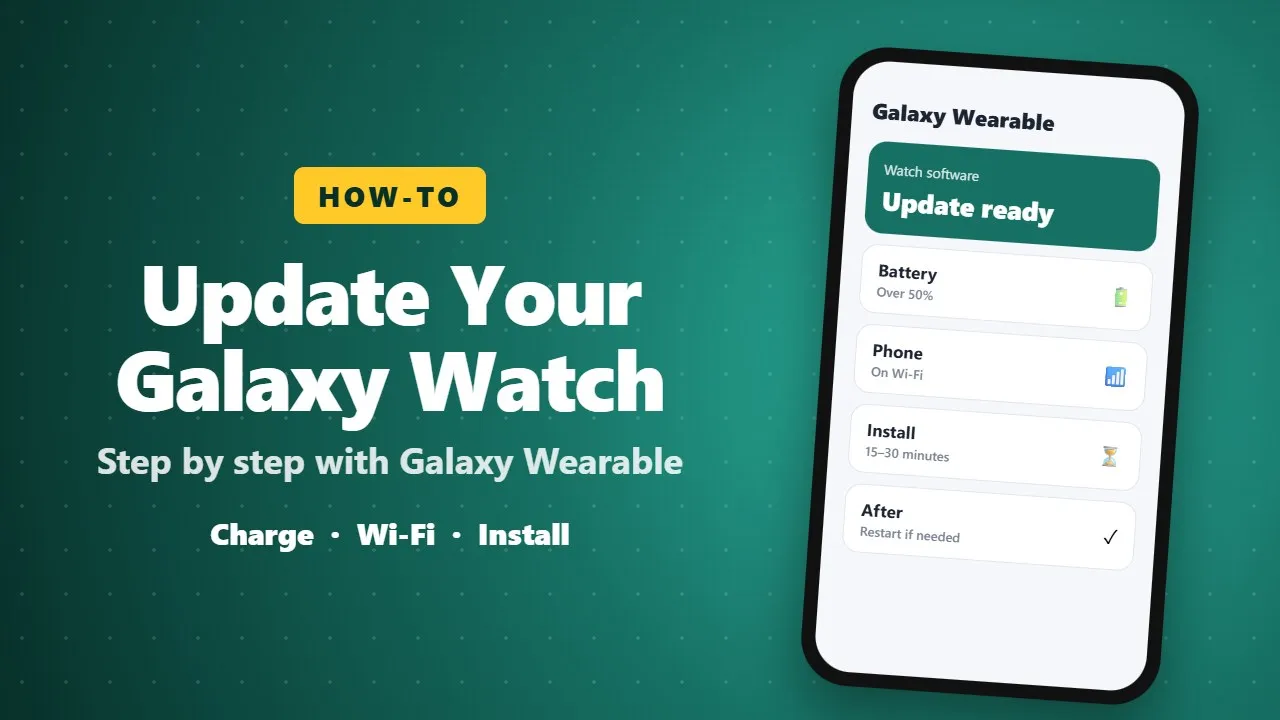
- Charge the watch to at least 30–50% and keep it on the charger if you can.
- Keep the watch close to your phone with Bluetooth on.
- Connect the phone to Wi-Fi. Watch updates can be over 1 GB.
📲 How to update
- Open the Galaxy Wearable app on your phone.
- Tap Watch settings → Watch software update.
- Tap Download and install, then Install now when the download finishes.
- Leave the watch alone until it restarts. This can take 15–30 minutes.
You can also check from the watch itself: Settings → Software update.
🆕 What a big update can change
Major updates, such as One UI 8 Watch on the Galaxy Watch 7, can bring a redesigned app drawer and widgets, grouped notifications, new gestures, and extra Samsung Health tools such as bedtime guidance and running coaching. Smaller monthly updates mostly fix bugs and security issues.
🛠️ If the update does not appear
- Updates roll out by region, so it may reach Ethiopia later than other countries.
- Update the Galaxy Wearable app and its watch plugin from Google Play or Galaxy Store first.
- Restart both the phone and the watch, then check again.
🔋 After updating
Battery life can be a little worse for a day or two while the watch re-indexes and syncs. If problems last longer, restart the watch, and as a last step reset it and restore from backup.
📝 Final thoughts
Updating a Galaxy Watch takes a few minutes of preparation and some patience. It is worth doing: you get new features, better battery tuning and important security fixes.