Gemini by Google Review: An AI Assistant for Work, Study and Ideas
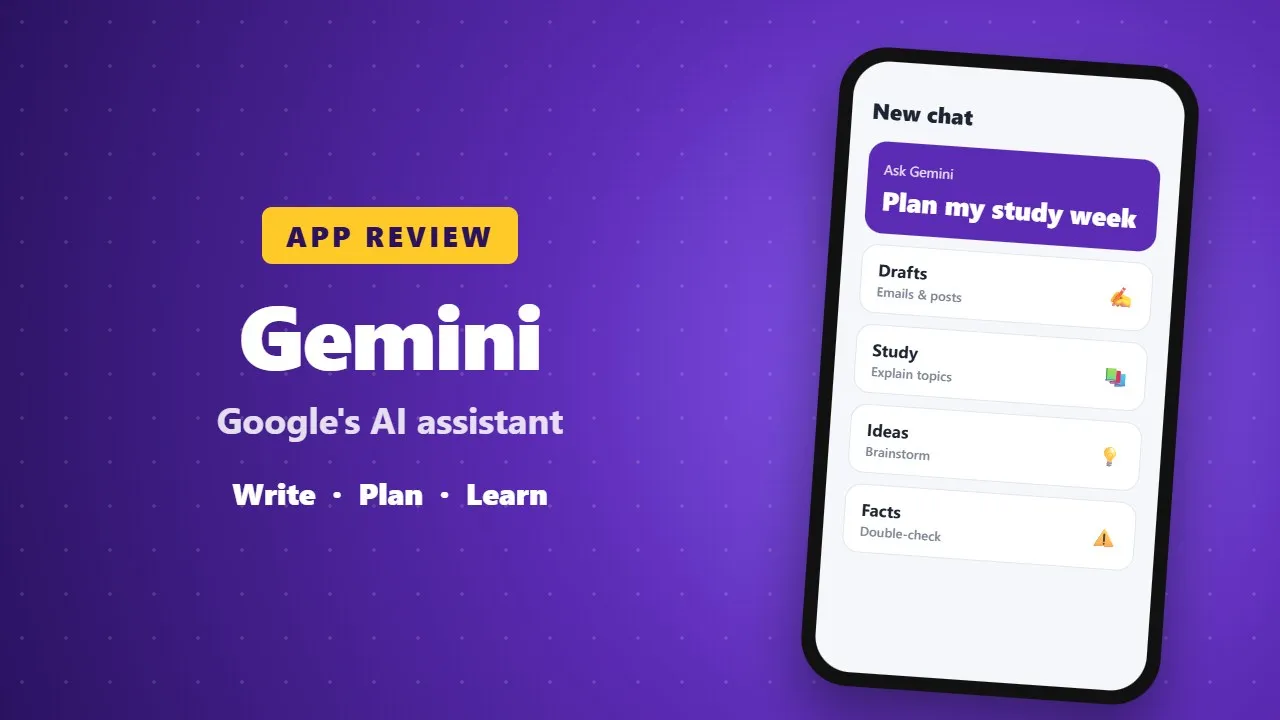
Gemini is Google's AI assistant for writing, planning, studying and brainstorming on your phone. It is helpful for drafts and explanations, but it can make mistakes, so check important facts and avoid sharing private information.
Gemini AI is Google’s next-generation intelligent assistant designed to help you think smarter, work faster, and create effortlessly. Powered by Google’s most advanced AI models, Gemini turns your phone into a real-time hub for learning, brainstorming, planning, and creativity.

Whether you’re a student, professional, creator, or entrepreneur, Gemini adapts to your needs and helps you get more done in less time. (007)
Instant Brainstorming with Gemini Live
Gemini Live lets you talk to AI naturally, just like a real assistant. You can:
-
Brainstorm ideas instantly
-
Simplify complex topics
-
Prepare presentations or speeches
-
Get quick answers in real time
Just tap Gemini Live and start talking — your AI tutor, planner, and creative partner is ready anytime.
Works Seamlessly with Google Apps
Gemini integrates smoothly with Google’s ecosystem, including:
-
Google Search
-
YouTube
-
Google Maps
-
Gmail
From finding directions and tutorials to drafting emails and managing tasks, Gemini keeps everything in one smart assistant.
Smarter Studying and Faster Learning
Gemini makes learning easier by:
-
Explaining topics clearly
-
Using real-world examples
-
Summarizing long content
-
Turning documents into podcast-style audio
Perfect for students, researchers, and busy professionals who want to learn on the go.
Create Stunning Images with AI
With Gemini’s image generation tools, your ideas turn into visuals instantly. You can:
-
Generate high-quality images from text
-
Edit and enhance existing images
-
Create designs for content, blogs, or social media
Your imagination becomes reality — in seconds.
Plan Better, Stay Organized
Gemini helps you stay organized by:
-
Creating travel itineraries
-
Suggesting routes and nearby places
-
Summarizing plans clearly
-
Delivering actionable insights fast
From daily tasks to long-term planning, Gemini keeps life simple and productive.

Gemini Pro: Built for Power Users
Gemini Pro is designed for professionals and creators who need more power. It features:
-
A 1 million token context window
-
Advanced research and reporting
-
Code and document analysis
-
AI-generated short videos using Veo 3
Ideal for developers, researchers, marketers, and content creators.
Gemini Ultra: The Ultimate AI Experience
Gemini Ultra unlocks the highest-level AI tools, including:
-
Priority access to Gemini 2.5 Pro
-
Deep research capabilities
-
Early access to Agent Mode for autonomous, multi-step tasks
This is AI at its most advanced — built for innovators and high-level creators.
Available Worldwide & Built for Everyone
Gemini is available in 150+ countries, supporting individuals, educators, and businesses worldwide. It adapts to your workflow and evolves as you grow.
Privacy, Control, and Transparency
Gemini gives you full control over your data. You can switch back to Google Assistant anytime, with clear privacy protections and transparent data handling.
Your All-in-One AI Assistant
Gemini is more than an AI assistant — it’s:
-
A creative partner
-
A productivity booster
-
A smart learning companion
From writing and studying to planning and creating, Gemini helps you achieve more — faster and smarter.