AccuBattery Review: Track and Protect Your Phone's Battery Health
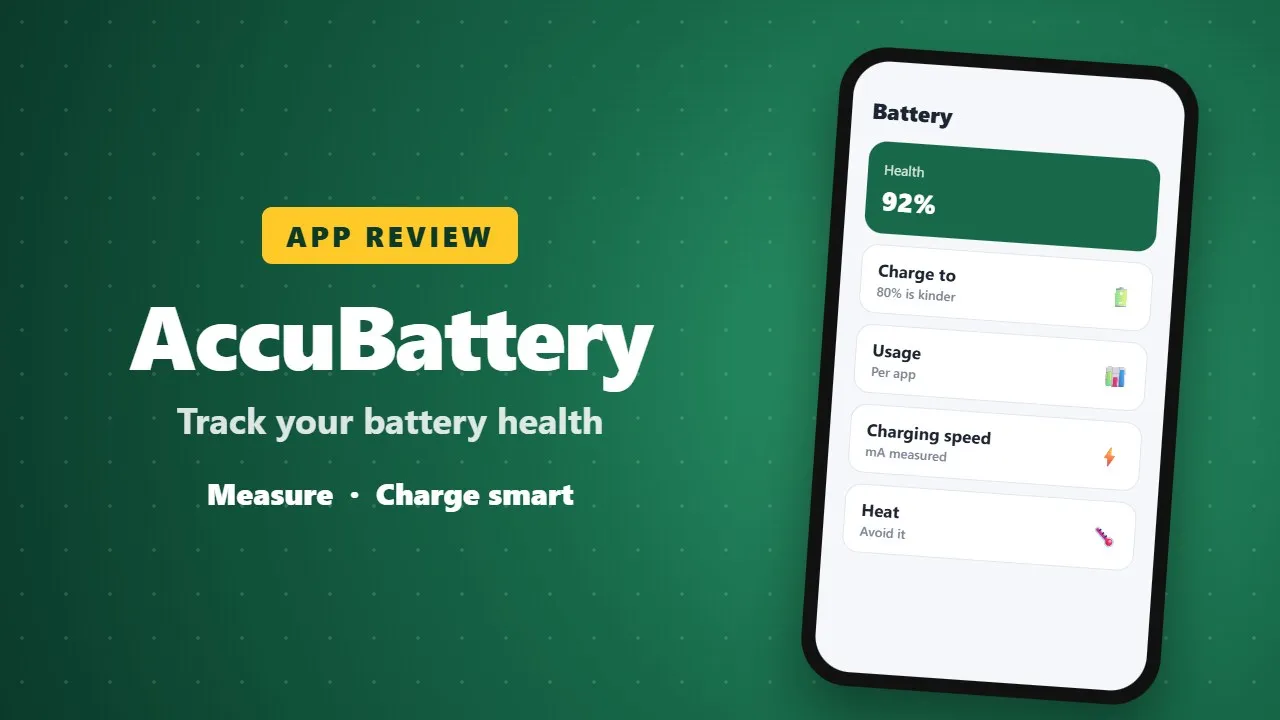
AccuBattery measures battery health, charging speed and power use per app. It also suggests charging habits, such as avoiding constant 100% charges, that can help your battery last longer.
Smartphones have become our lifelines. From work emails to entertainment, navigation, and even health tracking, our devices are constantly in use. Yet, one thing remains a universal frustration: battery life. No matter how advanced smartphones get, batteries degrade over time, leaving users scrambling for chargers or replacements.

This is where AccuBattery steps in — a powerful, science-based app designed to help you understand, monitor, and extend the lifespan of your device’s battery. With over 552,000 reviews and a stellar 4.7-star rating on Google Play, AccuBattery has become the go-to solution for users who want transparency, control, and actionable insights into their battery usage.
🔋 Why Battery Health Matters
Every lithium-ion battery has a finite lifespan. Each charge cycle — from 0% to 100% — slightly reduces its total capacity. Over time, this wear adds up, meaning your phone won’t last as long on a single charge as it did when new. (0027)
AccuBattery doesn’t just tell you how much charge you have left; it helps you measure real battery capacity (in mAh), track wear during charging, and even set alarms to unplug at the optimal time. This proactive approach can significantly extend your battery’s usable life.
📊 Features That Make AccuBattery Stand Out
1. Battery Health Tracking
- Measures actual battery capacity in milliamp-hours (mAh).
- Shows how much wear your battery sustains with each charge.
- Provides insights into long-term health trends.
2. Battery Usage Monitoring
- Tracks how much power each app consumes.
- Displays discharge speed and consumption per app.
- Estimates remaining use time based on your activity (screen on/off, standby).
Unlike Android’s built-in battery stats, which rely on manufacturer-provided profiles (often inaccurate), AccuBattery uses real-time data from the battery charge controller. This means you get precise, science-backed measurements.
3. Charge Speed Analysis
- Identifies the fastest charger and cable by measuring charging current (mA).
- Shows how charging speed differs when the screen is on vs. off.
- Estimates how long it will take to reach full charge.
4. Deep Sleep Tracking
- Monitors how often your device enters deep sleep mode.
- Helps identify apps or processes that wake your phone unnecessarily.
- Useful for optimizing standby battery life.
5. Pro Features
- Dark and AMOLED themes to save energy.
- Access to historical sessions older than one day.
- Detailed battery statistics in notifications.
- Ad-free experience.

🧑💻 User Experiences: Praise and Frustrations
AccuBattery’s reviews highlight both its strengths and areas for improvement:
-
Yoga Sido (Oct 2025): Frustrated that the app shuts down background processes when charging, despite disabling battery safe mode. This shows that while AccuBattery is powerful, it may occasionally conflict with system-level optimizations.
-
Martin (Aug 2025): Praises the app’s transparency, useful statistics, and one-time payment model. He highlights that even free users get access to the most important features, making it accessible to everyone.
-
Jonah Rinberg (Oct 2024): Calls it “THE definitive battery tracking app”, appreciating its comprehensive tracking and non-subscription model. He emphasizes that even without Pro, the app is essential.
These reviews reflect a common theme: AccuBattery is trusted for accuracy and transparency, but like any app, it faces challenges with device-specific quirks.
⚡ What’s New: Continuous Improvements
The developers at Digibites are committed to refining the app. Recent updates include:
- Fixed overlay rendering behind rounded screen corners.
- Improved handling of long sessions with disabled charging (e.g., Sony’s 80% charge limit).
- Clearer explanations for why certain charge cycles aren’t included in health calculations.
- Better purchase handling for Pro features.
This steady stream of updates shows that AccuBattery isn’t a “set it and forget it” app — it evolves alongside user needs and device changes.
🔍 Why AccuBattery Beats the Competition
There are plenty of battery apps out there, but AccuBattery stands apart because:
- No subscriptions: Unlike many apps that lock features behind recurring payments, AccuBattery offers a one-time Pro upgrade.
- Science-based methodology: It doesn’t rely on manufacturer estimates; it measures actual data.
- Privacy-conscious: It doesn’t require access to sensitive personal information.
- Independent developer: Digibites is a small team focused on quality, not flashy gimmicks.
Competitors like SuperBattery & Charge Monitor or Battery Transfer/Receiver may offer similar features, but AccuBattery’s reputation for accuracy and transparency makes it the preferred choice.
🧪 The Science Behind AccuBattery
AccuBattery’s methodology is rooted in battery research. By analyzing charging current, discharge rates, and wear patterns, it provides insights that go beyond what your phone’s default settings reveal.
For example:
- Charging to 100% every time accelerates wear. AccuBattery helps you set alarms to unplug at 80%, a sweet spot for longevity.
- Identifying apps that wake your device from deep sleep can save hours of standby time.
- Measuring real capacity helps you know when it’s time to replace your battery — before it becomes unusable.
This scientific approach empowers users to make data-driven decisions about their charging habits.
🌍 A Community of Battery Enthusiasts
With over half a million reviews, AccuBattery has built a passionate community. Users share tips, troubleshoot issues, and celebrate the app’s transparency. Whether you’re a casual user who just wants your phone to last longer, or a tech enthusiast who loves geeking out over milliamp-hour stats, AccuBattery caters to both.
🏆 Final Thoughts: Is AccuBattery Worth It?
Absolutely. If you care about your phone’s battery health — and let’s face it, who doesn’t — AccuBattery is a must-have. It combines accuracy, transparency, and usability in a way few apps can match.
- For free users: You get all the essential features without ads.
- For Pro users: A one-time payment unlocks advanced stats, themes, and historical data.
In a world where subscriptions dominate, AccuBattery’s model feels refreshing. More importantly, it empowers you to take control of your battery’s lifespan, saving you money and frustration in the long run.
📌 Key Takeaways
- AccuBattery measures real battery capacity and wear, not manufacturer estimates.
- It helps you optimize charging habits to extend battery life.
- The app is transparent, privacy-conscious, and subscription-free.
- User reviews highlight both its accuracy and occasional quirks.
- Continuous updates ensure it stays relevant across devices.