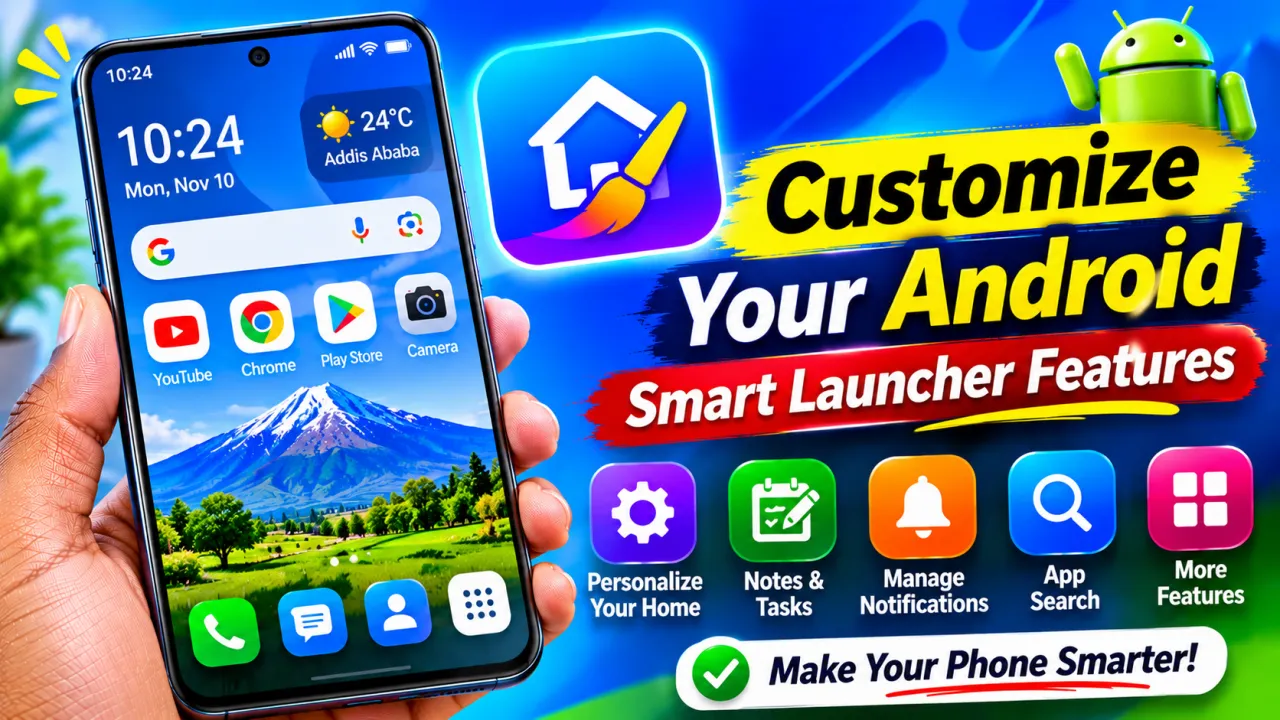
Customize Your Android Home Screen with Smart Features
Discover how Comfer Launcher helps you personalize your Android home screen, access apps quickly, organize notes and tasks, manage notifications, and enjoy a clean smartphone experience.
Comfer Launcher: Customize Your Android Home Screen with Smart Features
Are you tired of using the same Android home screen every day? Do you want a cleaner interface, faster access to your favorite applications, and better ways to organize your daily activities?
Comfer: Comfort Launcher is an Android launcher designed to make your smartphone experience more organized and customizable. Developed by Jeerovan, it offers swipe navigation, customizable home screen layouts, app search, widgets, notes, tasks, and other useful features.
Let's explore what makes this launcher interesting and how you can use it.
1. Customize Your Android Home Screen
One of the main features of Comfer is home screen customization.
You can choose different layouts, arrange your favorite applications, customize icons, and personalize your screen's appearance.
The launcher offers circular and column-style home layouts, allowing you to select a design that suits your preferences.
You can also customize the clock, date, and other visual elements to create a more personal smartphone experience.
2. Access Your Favorite Apps Quickly
Do you spend too much time searching for applications?
Comfer provides swipe-based navigation and customizable shortcuts to help you access frequently used apps more conveniently.
You can organize your favorite applications and use gestures to reach different parts of the launcher.
Its app drawer also allows you to browse installed applications and search for apps by name.
This can make everyday smartphone navigation easier.
3. Organize Notes, Tasks, and Journals
Another interesting feature is the built-in workspace.
Comfer includes tools for writing notes, creating task lists, and keeping journal entries.
Instead of switching between several applications, you can access these productivity tools through the launcher.
You can also mark important tasks and use reminders to help organize your daily activities.
This feature can be useful for students, professionals, and people who want to keep their everyday activities organized.
4. Customize Themes and Wallpapers
Your smartphone should reflect your personal style.
Comfer offers customization options for icons, wallpapers, and the overall home screen appearance.
You can choose a monochrome look, use automatic wallpapers, and add supported Android widgets.
The launcher also offers optional wallpaper motion and spatial visual effects on supported devices.
These options can help make your Android home screen look different from the standard interface.
5. Manage Notifications in One Place
Do you sometimes miss important notifications?
Comfer offers an optional Notification Inbox that brings active notifications together in one place.
You can review notifications and save certain items for later.
Notification access is required to use these features, so review the permissions carefully before enabling them.
6. Search Apps and Contacts
Finding an application becomes easier with Comfer's search functionality.
You can search installed applications by name using its on-screen keyboard.
The launcher also offers optional contact searching. If you enable this feature and grant the necessary permission, you can find contacts more conveniently.
This can save time when you regularly use many applications or communicate with different people.
7. Create a Cleaner Smartphone Experience
Many smartphone users prefer a simple home screen without unnecessary visual clutter.
Comfer is designed around quick access, customizable layouts, and convenient navigation.
You can arrange your frequently used apps, choose a suitable theme, and keep useful tools within easy reach.
Its design can help create a more organized interface based on your daily smartphone habits.
How to Install and Use Comfer Launcher
Getting started is simple:
- Open the Google Play Store.
- Search for Comfer: Comfort Launcher by Jeerovan.
- Install and open the application.
- Follow the setup instructions.
- Explore the available home screen layouts.
- Customize your favorite apps and shortcuts.
- Add widgets, notes, and tasks if needed.
- Set it as your default Home app to use it as your everyday launcher.
Some features require additional permissions. Review each permission request and enable only the features you want to use.
Conclusion
Comfer: Comfort Launcher is an interesting option for Android users who want more control over their smartphone home screen.
With customizable layouts, swipe navigation, app search, notes, tasks, journals, widgets, and notification management, it offers several tools for creating a more personalized Android experience.
If you enjoy customizing your phone and keeping your favorite tools easily accessible, Comfer Launcher is worth exploring.