Locate Your Lost Phone, Galaxy Buds and Share Your Location
Worried about losing your Samsung phone or Galaxy Buds? Discover how Samsung Find helps locate lost Galaxy devices, track SmartTags, share your location with family and friends, and receive location notifications.
Samsung Find: Locate Your Lost Phone, Galaxy Buds and Share Your Location
Have you ever misplaced your smartphone, forgotten where you left your Galaxy Buds, or wanted to share your location with family members? Losing your devices can be frustrating, especially when they contain important personal information.
Samsung Find is an application developed by Samsung Electronics that helps Galaxy users locate their devices, track compatible SmartTags, and share their locations with family and friends.
Instead of worrying about where your devices are, you can use Samsung Find to explore their available locations and manage important location-sharing features.
Let's explore seven useful features of this application.
1. Locate Your Lost Samsung Phone
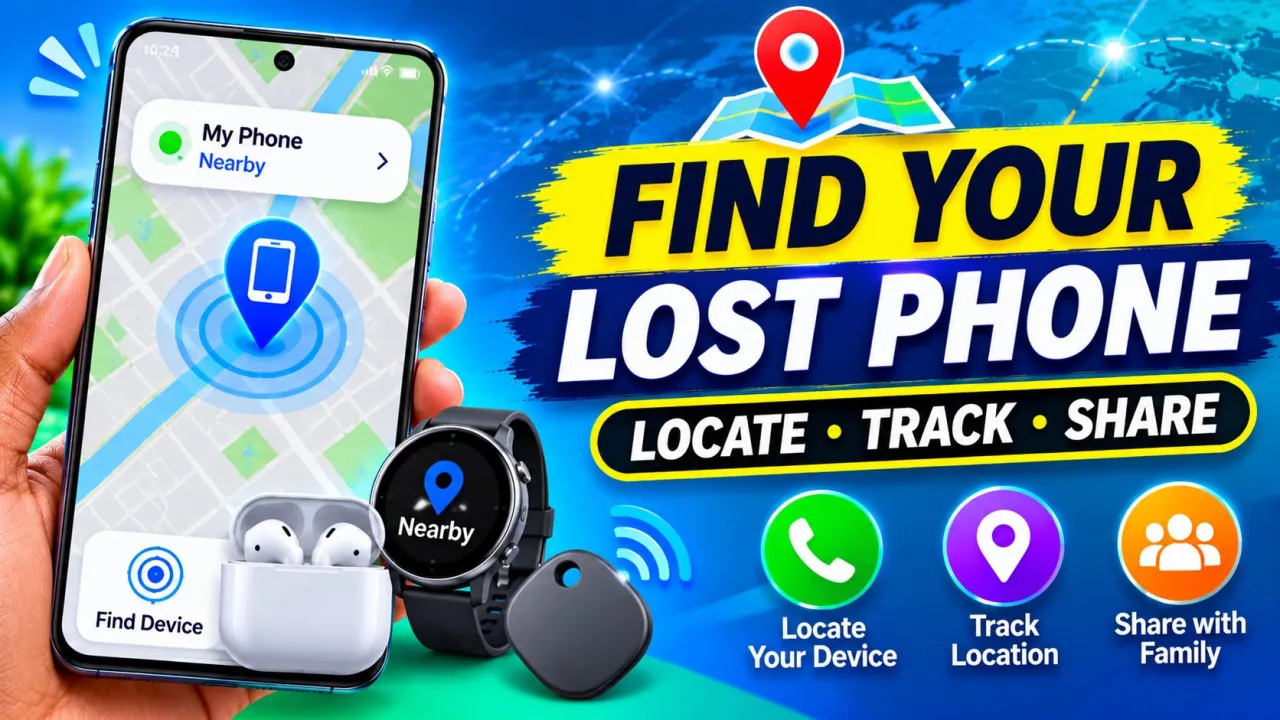
One of the most useful features is the ability to locate your registered Galaxy devices.
Samsung Find displays supported devices on a map, helping you check their reported locations.
If you accidentally leave your Galaxy phone somewhere, you can use Samsung Find on another supported device or visit the Samsung Find website to check its location.
For this feature to work, the device must have the necessary settings enabled and be associated with your Samsung account.
2. Find Your Galaxy Buds and Other Devices
Have you ever lost one of your Galaxy Buds or forgotten where you placed your Galaxy Watch?
Samsung Find supports locating compatible Galaxy devices, including:
- Galaxy smartphones
- Galaxy tablets
- Galaxy Watches
- Galaxy Buds
- Galaxy Rings
- Compatible S Pens
You can view registered devices and check their available locations.
For compatible nearby devices, the Search Nearby feature can help you search around your surroundings.
You can also use the Make Sound feature to help locate supported devices when they are nearby, even if they are set to silent.
3. Share Your Location with Family and Friends
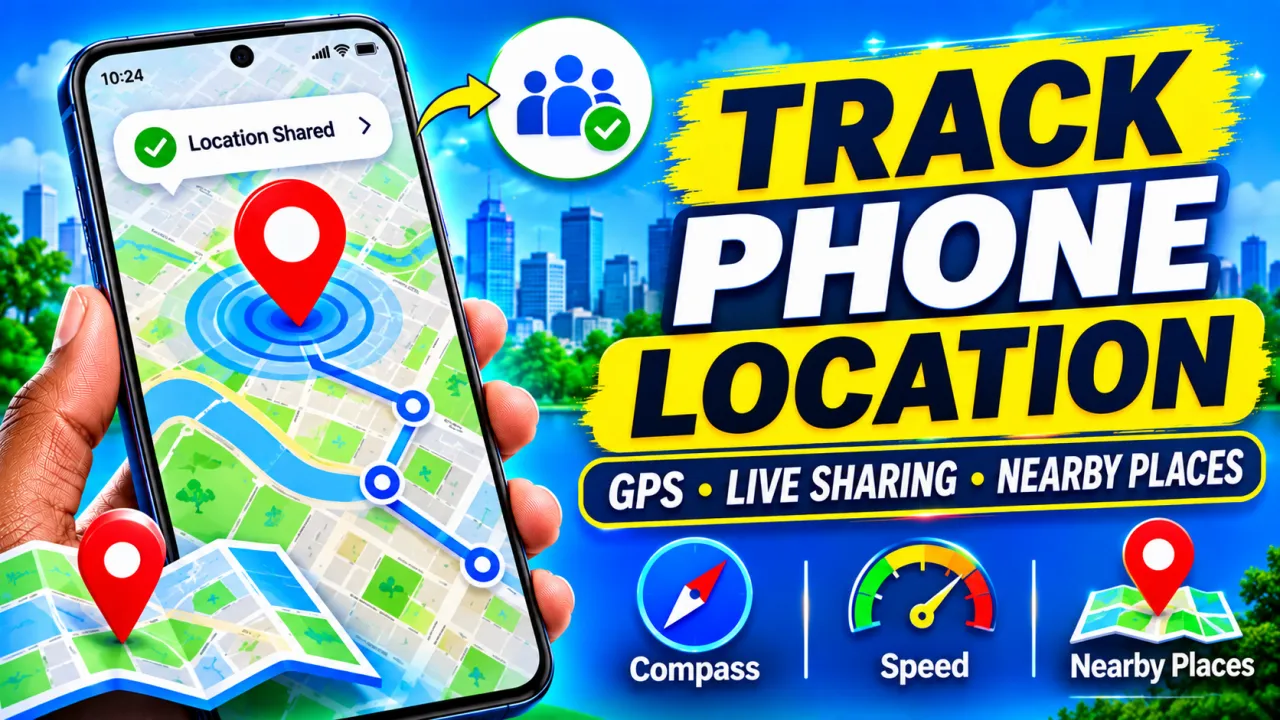
Samsung Find is not only designed for finding lost devices. It also allows you to share your location with people you trust.
Using the People tab, you can share your location with family members and friends who use the service.
You can also request their locations when they agree to share them.
An important feature is the ability to choose how long your location remains shared. Depending on the available options, you can select a limited sharing period or continue sharing until you turn it off.
This can be useful when meeting friends, traveling, or keeping in touch with family members.
4. Track Your SmartTags and Personal Items
Do you frequently lose your keys, bags, or other personal belongings?
Samsung Find supports compatible Galaxy SmartTags.
You can attach a SmartTag to personal belongings such as bags, bicycles, or other items and register it through the supported Samsung services.
The Items tab helps you check the available location information for registered items.
This can make it easier to locate belongings when you misplace them.
5. Receive Location Notifications
Another useful feature is location notifications.
You can receive notifications related to location sharing and supported location events.
For example, Samsung Find supports location departure notifications, allowing you to receive alerts when a shared location meets the configured conditions.
These features can help you stay informed without constantly opening the application.
6. Search for Nearby Devices
Sometimes you know that your Galaxy Buds or another compatible device is somewhere nearby, but you cannot see it.
Samsung Find offers a Search Nearby feature that helps you search around your surroundings.
This is especially useful for compatible smaller devices such as Galaxy Buds and Galaxy Rings.
The feature uses supported device and nearby-device capabilities, so availability depends on your hardware and permissions.
7. Protect Your Lost Device
Finding a lost phone is important, but protecting your personal information is equally important.
Samsung provides additional security options through the Samsung Find website.
Depending on device compatibility and settings, you can remotely lock your lost device or erase its data.
You can also use supported features such as Send Last Location and Offline Finding to improve your chances of locating a missing device.
These features require prior configuration and may have device-specific limitations.
How to Get Started with Samsung Find
Follow these steps:
- Open the Google Play Store.
- Search for Samsung Find by Samsung Electronics.
- Install or update the application if your device supports it.
- Open the app and sign in with your Samsung account.
- Follow the setup instructions.
- Enable the required location and notification permissions.
- Register your supported Galaxy devices and SmartTags.
- Explore the Devices, Items, and People tabs.
Make sure you enable the Allow This Phone to Be Found setting on devices you want to locate.
Important Privacy Information
Location sharing should always be used with permission and awareness.
Samsung Find allows you to control location-sharing periods and stop sharing when you no longer want someone to see your location.
Only share your location with people you trust. Also, remember that supported features vary depending on your Galaxy device, software version, region, and settings.
Conclusion
Samsung Find is a useful application for Galaxy users who want to locate missing devices, find compatible SmartTags, and share their locations with family and friends.
Its device tracking, Search Nearby, Make Sound, location notifications, and security features provide several helpful tools for managing your connected Galaxy devices.
If you own a compatible Samsung Galaxy device, explore Samsung Find and configure its features before you need them.