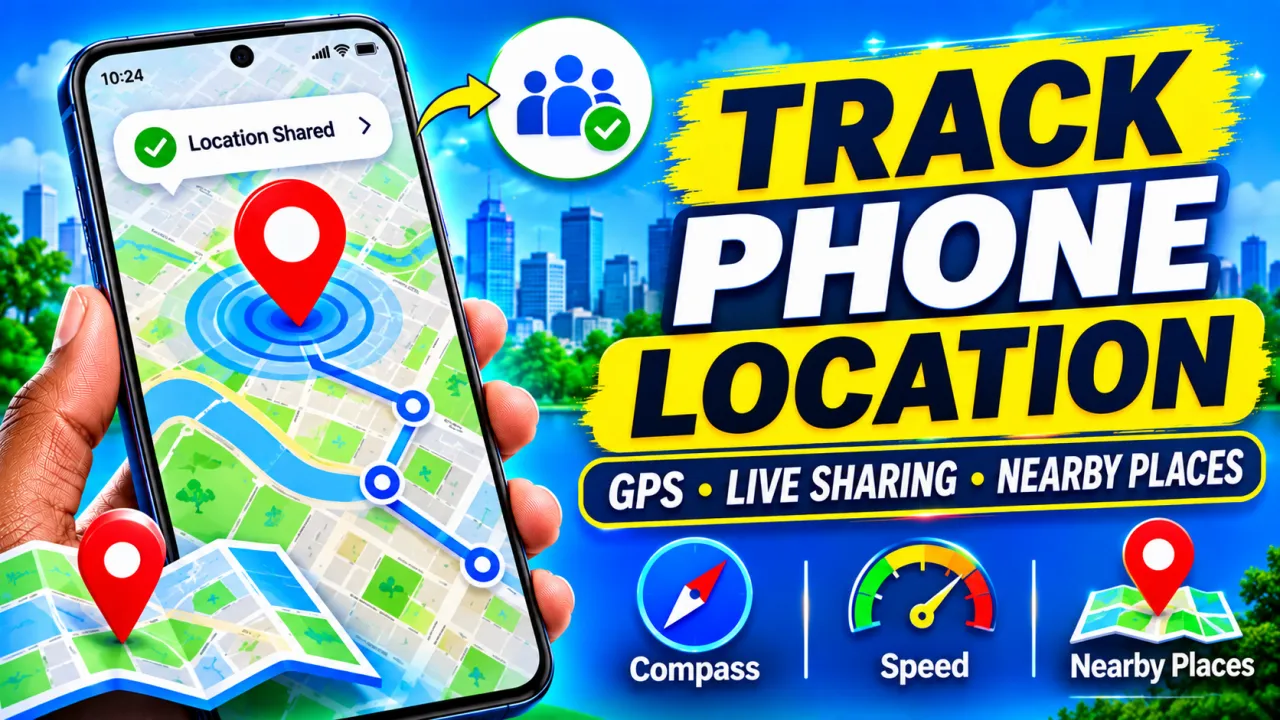
Phone Tracker: How to Track Phone Locations and Share Your Location
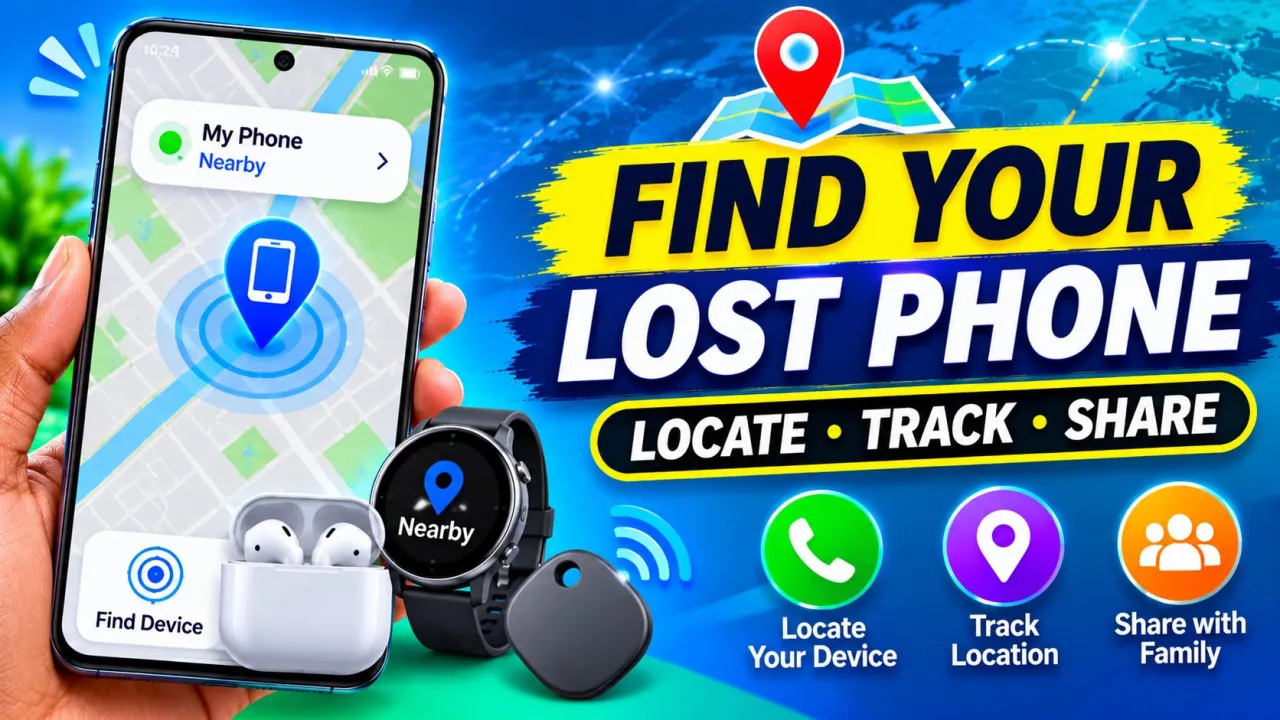
Want to know where your family members or friends are? Explore phone location tracking, GPS maps, real-time location sharing, and useful location-tracking features with this Android application.
Phone Tracker: How to Track Phone Locations and Share Your Location
Have you ever wanted to share your current location with family members or friends? Or perhaps you need to find your way to a nearby restaurant, hospital, or shopping center?
A phone location tracker can make these tasks easier by providing location information and useful navigation tools directly from your smartphone.
Location Tracker Phone Tracker, developed by Code Cookies, is an Android application that offers GPS-based location sharing, nearby place discovery, and several additional tools.
Let's explore its main features and how you can use them.
1. Share Your Real-Time Location
One of the main features is real-time location sharing.
The application allows users to share their location with friends and family through supported location-sharing features.
This can be helpful when meeting someone, traveling, or letting family members know where you are.
Location updates depend on GPS availability, internet connectivity, device settings, and the sharing configuration.
2. Find Your Current Location
Do you want to know exactly where you are?
The application can display your current location on a map using your phone's location services.
This can help you understand your surroundings and identify your position when visiting unfamiliar places.
Make sure location permission is enabled for the application to access the necessary location information.
3. Stay Connected with Friends and Family
The app provides features for sharing and receiving location information.
You can connect with people who agree to share their locations, helping everyone coordinate meetings and journeys more easily.
For example, when friends are traveling to the same destination, location sharing can help them understand where everyone is.
Remember that location sharing should always be voluntary. It does not provide secret access to another person's location.
4. Manage Your Contact List
Another feature is contact list display.
The application allows you to view and manage your contacts to make selecting people for location sharing easier.
You can use the contact list to find the person you want to connect with rather than manually entering their details.
Only grant contact permissions if you want to use this feature.
5. Discover Nearby Places
Looking for a nearby restaurant, cafe, shop, or hospital?
The nearby locations feature helps you discover useful places around your current location.
This can save time when you are traveling or exploring an unfamiliar area.
You can use the available map information to identify places that may be useful during your daily activities.
6. Use the Built-In Compass
The application also includes a compass tool.
A compass helps you understand directions and determine which way you are facing.
This can be useful when walking, exploring new locations, or trying to orient yourself while traveling.
For more reliable results, keep your device away from magnetic objects and calibrate it when necessary.
7. Check Your Speed with the Speedometer
If you enjoy traveling or driving, the built-in speedometer can be useful.
It uses location-related information to estimate your current speed.
This gives you another way to monitor movement while traveling.
Always prioritize your attention on the road. Never interact with your smartphone while driving.
8. Measure Angles with the Level Meter
The application also includes a level meter.
This tool can help you check whether a surface is balanced or measure angles.
It may be useful for simple household tasks, furniture positioning, and other activities where approximate leveling information is needed.
For professional construction work, use an appropriate calibrated measuring instrument.
9. Explore Additional Handy Tools
Besides location sharing and navigation, the application includes additional utilities:
- Area Codes: Look up telephone area codes.
- Stopwatch: Measure elapsed time for activities and everyday tasks.
- Compass: Find directions while exploring.
- Speedometer: Check estimated movement speed.
- Level Meter: Check surface balance and angles.
Having these tools together can make the application useful for several everyday situations.
How to Get Started
Follow these simple steps:
- Open the Google Play Store.
- Search for Location Tracker Phone Tracker by Code Cookies.
- Install and open the application.
- Review the setup instructions.
- Grant the location permission needed for your selected features.
- Explore the location-sharing options.
- Share your location with people who agree to participate.
- Try the nearby places and additional utility tools.
Both users should understand and agree to location sharing before using it to coordinate their locations.
Important Privacy and Safety Tips
Location information is personal data. Only share it with people you trust.
Review the permissions requested by the application, especially location and contacts access. Google Play also indicates that the app may collect personal information, app information and performance data, and device identifiers, and may share device or other IDs with third parties.
Read the privacy policy before using the application and avoid sharing sensitive personal information unnecessarily.
Conclusion
Location Tracker Phone Tracker combines location sharing, current-location information, nearby place discovery, and useful tools such as a compass, speedometer, level meter, area-code lookup, and stopwatch.
If you want a collection of location and navigation utilities on your Android phone, you can explore the application and decide whether its features meet your needs.