Launcher for Desktop Look – Transform Your Android into a PC-Style Workspace
A05:- Bring the look and feel of a desktop computer to your Android device with Launcher for Desktop Look. This powerful, customizable launcher turns your smartphone into a sleek, organized, and highly productive workspace. With a familiar PC-style interface, intuitive file management, and fully customizable widgets, this launcher is perfect for multitaskers, productivity enthusiasts, or anyone who loves a clean desktop layout.
Desktop-Style Interface
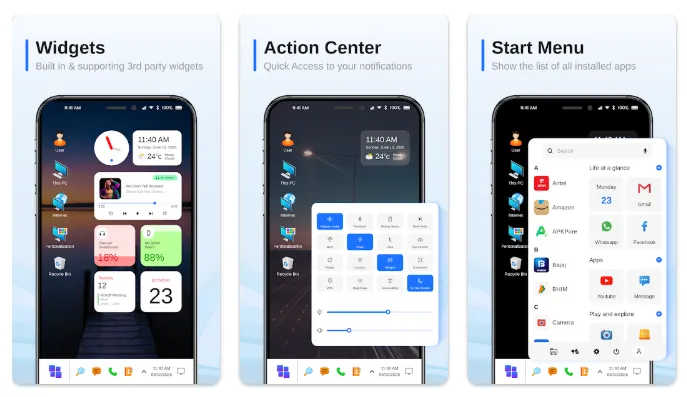
The launcher provides a real desktop experience right on your phone. From the grid-based home screen to the PC-inspired icons and navigation, you’ll feel like your Android device has transformed into a miniature computer. The interface is designed for clarity and efficiency:
-
PC-style launcher look and feel
-
Clean, grid-based desktop home screen
-
Quick access to essential apps and tools
With Launcher for Desktop Look, you don’t just get a pretty interface—you get a practical, functional workspace.
Customizable Widgets & Layout
One of the key features of this launcher is its flexibility. Customize your home screen with widgets and layout options to create a setup that fits your workflow:
-
Add clock, weather, calendar, and other widgets
-
Resize and arrange widgets for maximum productivity
-
Build a minimalist, creative, or professional desktop-style home screen
This level of customization allows you to make your home screen your own while keeping everything organized and accessible.
Powerful File Manager
A standout feature is the built-in desktop-style file manager. Manage your storage like you would on a PC:
-
Browse folders with a familiar file explorer interface
-
View, rename, move, and delete files easily
-
Quickly access downloads, documents, images, and videos
No more switching between apps to manage files—everything is integrated into your launcher for a seamless experience.
Easy Settings & Quick Controls
Launcher for Desktop Look puts key settings at your fingertips:
-
Quick access to Wi-Fi, Bluetooth, and brightness controls
-
Toggle important system settings without opening separate menus
-
Streamline daily tasks with a practical, productivity-focused layout
This saves time and reduces the need to navigate multiple menus, making your device more efficient.
Quick Contacts Access
Stay connected with friends and colleagues with easy access to your contacts:
-
Call or message directly from the desktop home screen
-
Perfect for frequent communication without opening multiple apps
App Groups, Folders & Search
Keep your phone organized and clutter-free:
-
Group apps into folders for work, social, games, and tools
-
Find what you need faster with app folders and PC-style organization
-
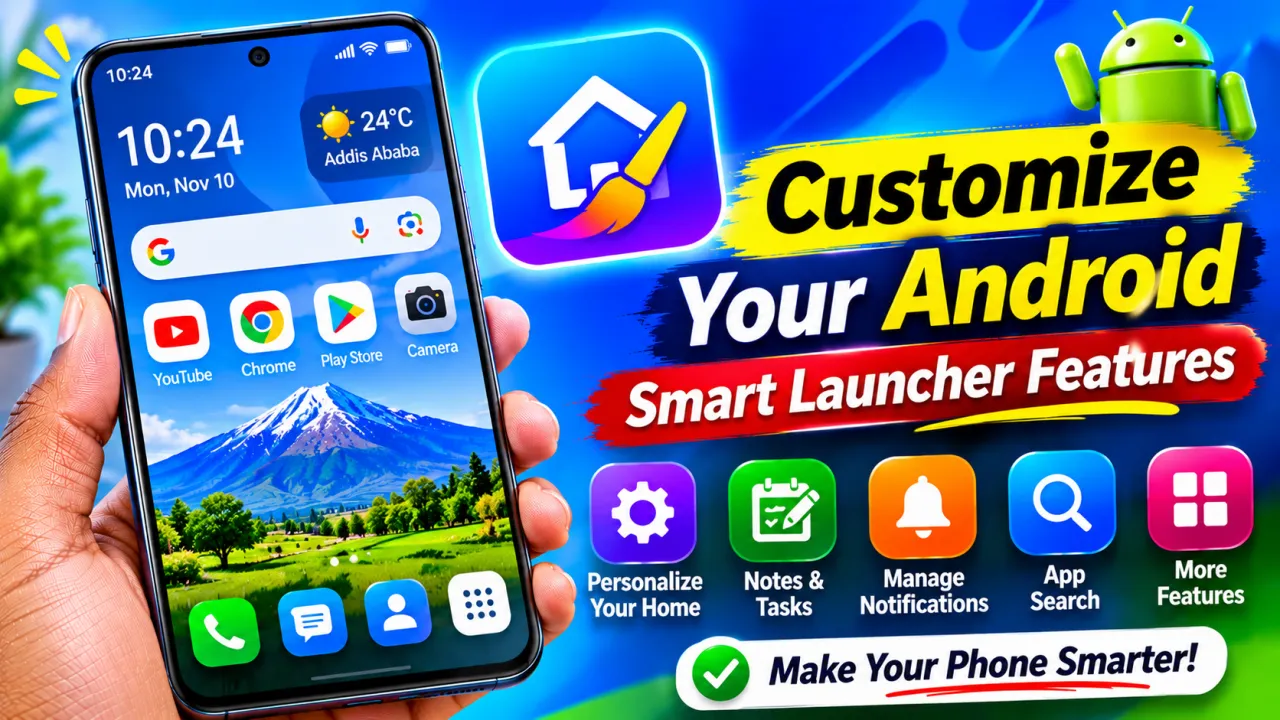
Use the integrated Google search bar to search apps, contacts, and the web in one place
HD Wallpapers & Desktop Look
Give your Android a full desktop aesthetic with high-quality wallpapers:
-
Choose from a wide collection of HD wallpapers
-
Customize backgrounds to match icons, widgets, and folders
-
Create a cohesive, professional, or colorful desktop-style home screen
Desktop-Style Notifications
Stay on top of alerts with clean, easy-to-read notifications:
-
See important messages at a glance on your home screen
-
Ideal for multitasking and productivity-focused users
Why Choose Launcher for Desktop Look?
-
Transform your Android into a computer-style PC launcher
-
Enjoy a desktop-style home screen with file manager, widgets, and folders
-
Fast, stable, and productivity-focused design
-
Perfect for multitaskers, minimalists, and desktop enthusiasts
Upgrade Your Home Screen Today
Download Launcher for Desktop Look and:
-
Turn your Android into a PC-style interface
-
Organize apps into folders and groups
-
Manage files with an integrated file explorer
-
Customize widgets, wallpapers, and layout
-
Enjoy a clean, professional, and fast desktop-style launche
Experience the ultimate desktop feel on your Android phone—powerful, beautiful, and fully customizable.