The Best Navigation and Local Discovery App for Everyday Life
Google Maps is still one of the most essential apps you can have on an Android phone. It does far more than simple directions: it helps you navigate traffic, find businesses, explore neighborhoods, save places, check reviews, and plan trips with live updates. Whether you’re commuting to work, visiting a new city, looking for a restaurant nearby, or trying to avoid traffic on the way home, Google Maps remains one of the most complete navigation apps available. B01
With billions of downloads and deep integration across Android, Google Maps has become the default map app for many users around the world. But popularity alone is not the reason it stays on top. The real strength of Google Maps is how well it combines navigation, real-time location data, local search, and travel planning in one app.
What is Google Maps?
Google Maps is Google’s navigation and location platform for Android, iPhone, web, and in-car systems. It provides turn-by-turn GPS navigation, traffic-aware route planning, public transit information, business listings, user reviews, offline maps, and street-level exploration tools.
It works for driving, walking, cycling, and public transport, which makes it useful for both everyday commuting and travel.
Key Features
1) Real-time GPS navigation
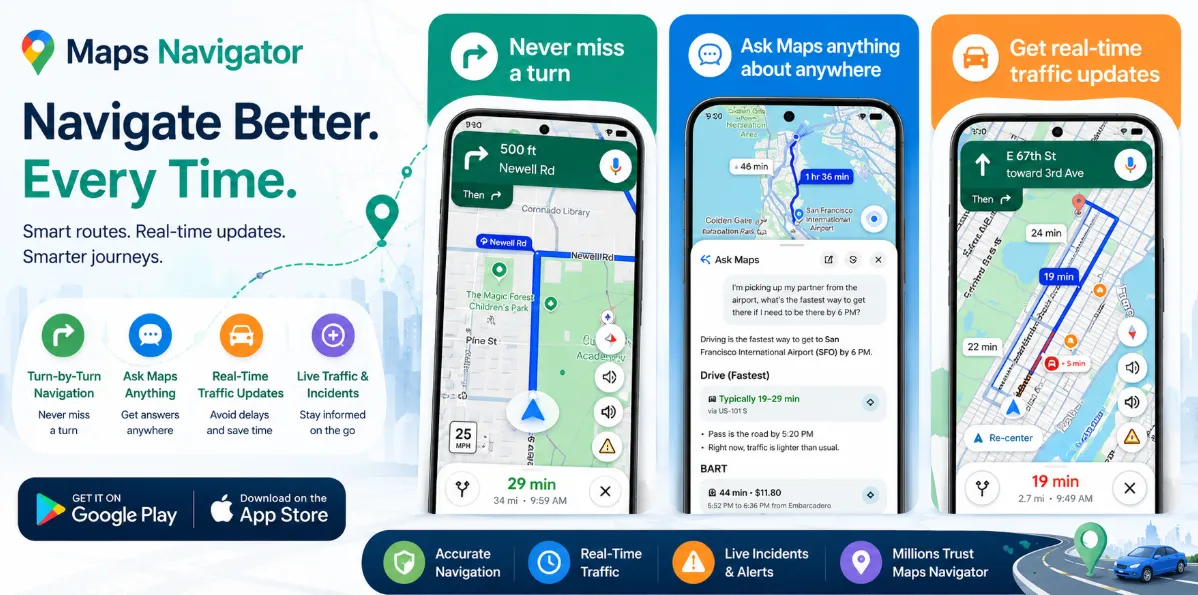
Google Maps gives turn-by-turn directions with live traffic updates, road closures, alternate routes, and estimated arrival times. It’s especially strong for city driving and everyday commuting.
2) Local business discovery
One of the app’s biggest strengths is helping users find nearby places like restaurants, cafes, pharmacies, hotels, and fuel stations. Reviews, ratings, photos, busy-hour insights, and contact details make it easier to choose where to go.
3) Offline maps
You can download maps for cities or regions and keep using navigation even when your internet connection is weak or unavailable. This is extremely useful while traveling.
4) Street View and place previews
Google Maps lets users preview roads, entrances, and neighborhoods through Street View and photo-based location browsing, which helps reduce confusion before arriving somewhere new.
5) Public transport and route planning
For users in supported cities, Google Maps provides transit routes, travel times, and route comparisons across buses, trains, ride-share, walking, and driving.
Pros
-
Excellent navigation accuracy
-
Real-time traffic and rerouting
-
Strong local business search
-
Offline maps support
-
Street View and place previews
-
Useful for both travel and daily life
Cons
-
Some advanced features vary by country or city
-
Can consume battery during long navigation sessions
-
Best experience depends on internet access for live data
-
Privacy-conscious users may want to review location-history settings
Final Verdict
Google Maps is still one of the best Android apps in 2026. It’s not just a map app—it’s a navigation tool, local guide, travel planner, and discovery platform all in one.
For most Android users, it remains the most practical and reliable mapping app for daily use.