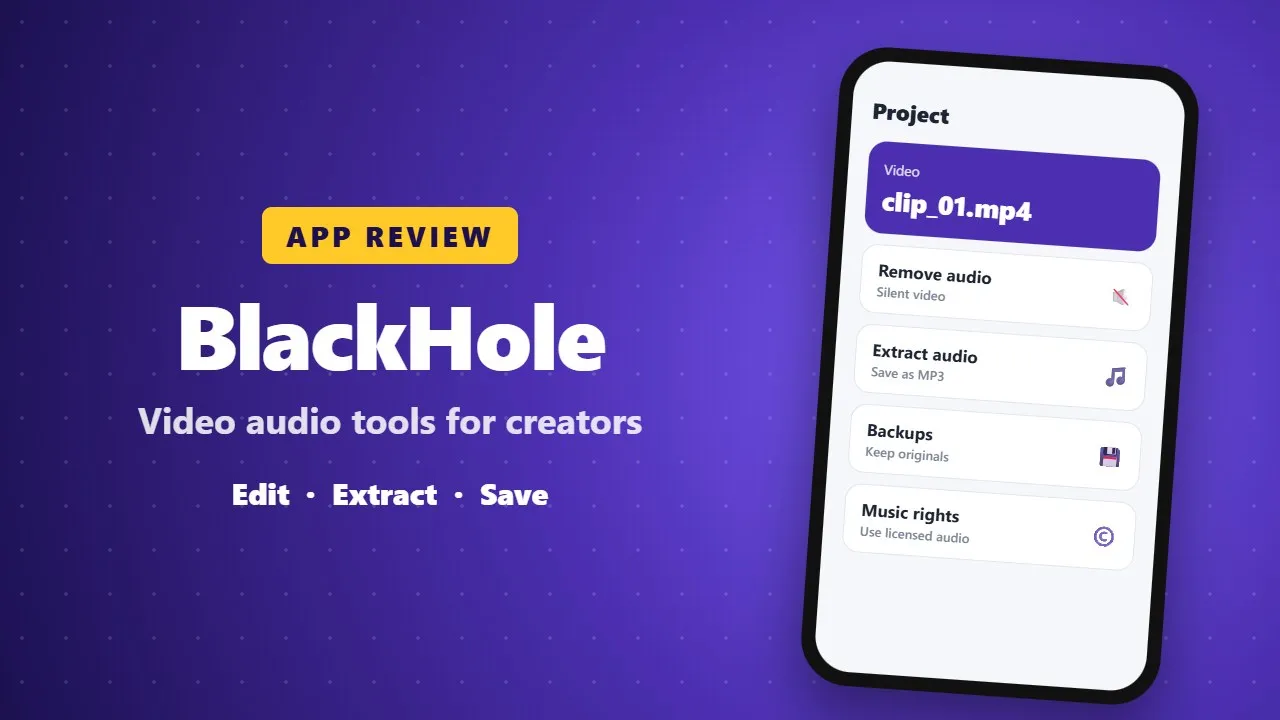
BlackHole App Review: Video Audio Tools for Content Creators
BlackHole is an Android app with tools for managing and editing the audio in your videos, such as removing or extracting sound. It can save time for content creators. Check which features are free, keep backups of original files, and only use music or audio you have the right to use.
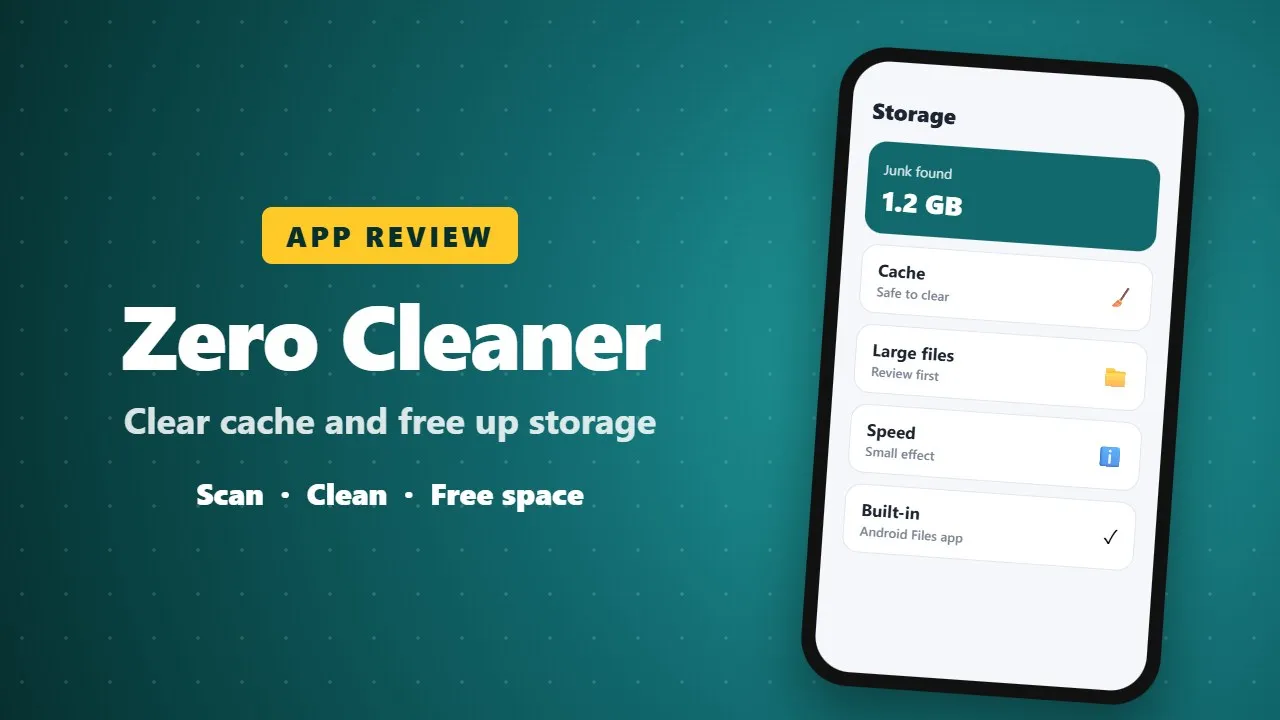
Zero Cleaner Review: Clear Cache and Free Up Storage on Android
Zero Cleaner removes cache and junk files to free storage on Android phones. It can help when storage is full, but cleaner apps cannot make a phone much faster on their own, and Android already includes a free storage cleaner in Settings.
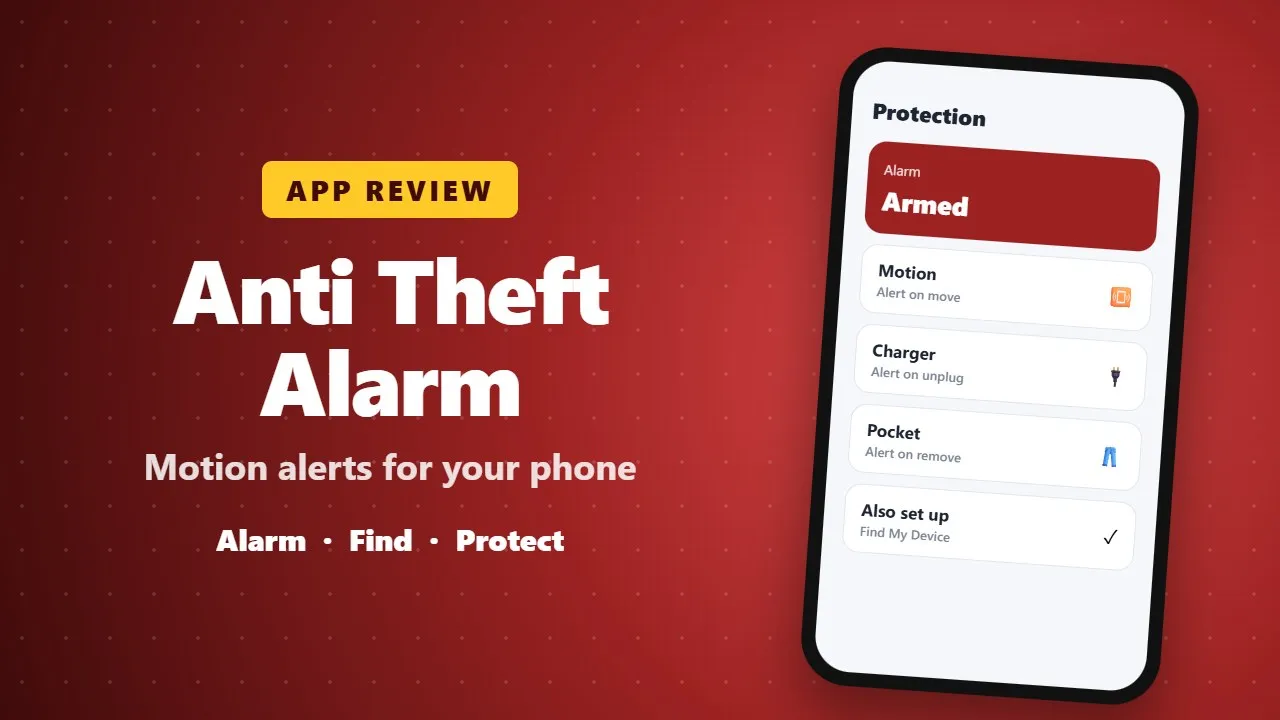
Anti Theft Alarm Review: Motion Alerts and Find My Phone Features
Anti Theft Alarm sounds an alarm when someone moves, unplugs or picks up your phone, and helps you find it when it is misplaced. It is a handy extra, and Google's free Find My Device is also worth setting up.
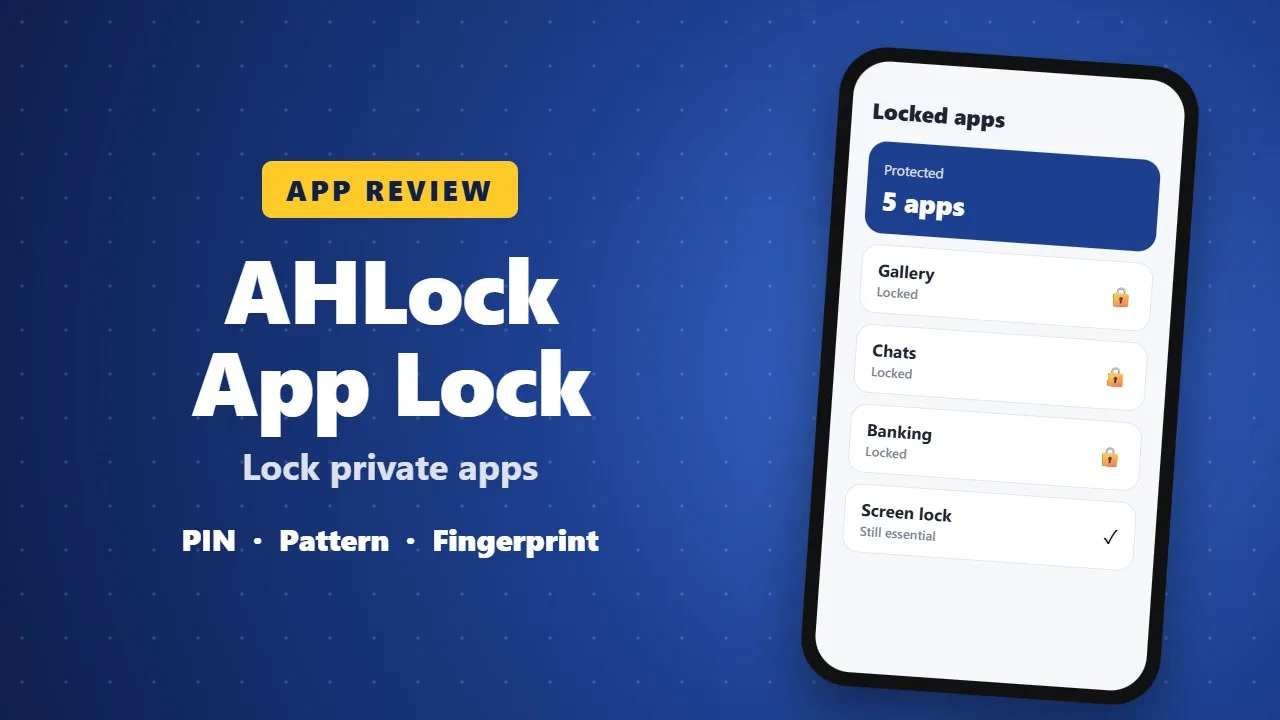
AHLock App Lock Review: Lock Private Apps with a PIN or Fingerprint
AHLock lets you lock chosen apps such as galleries, chats and banking apps with a PIN, pattern or fingerprint. It adds a useful privacy layer, but your phone's own screen lock and a strong password still matter most.
Nokia Launcher Review: Relive the Classic Charm of Vintage Phones on Android
Nokia Launcher is a fan-made Android launcher that gives your phone the look of classic Nokia phones. It is a fun nostalgia theme. It is not an official Nokia product, so check its permissions and ads before installing.
Thunder VPN Review: A Simple Free VPN for Android
Thunder VPN is a free VPN app for Android with a simple one-tap connection. It is easy to use, but free VPNs are supported by ads and may collect data. Read the privacy policy, avoid banking on unknown servers, and follow local laws.
Gemini by Google Review: An AI Assistant for Work, Study and Ideas
Gemini is Google's AI assistant for writing, planning, studying and brainstorming on your phone. It is helpful for drafts and explanations, but it can make mistakes, so check important facts and avoid sharing private information.
Call Recorder Review: Automatic Call Recording on Android
Call Recorder is an Android app that records phone calls automatically. Before using any call recorder, tell the other person you are recording: recording without consent is illegal in many places. Also check that your phone and Android version support call recording.
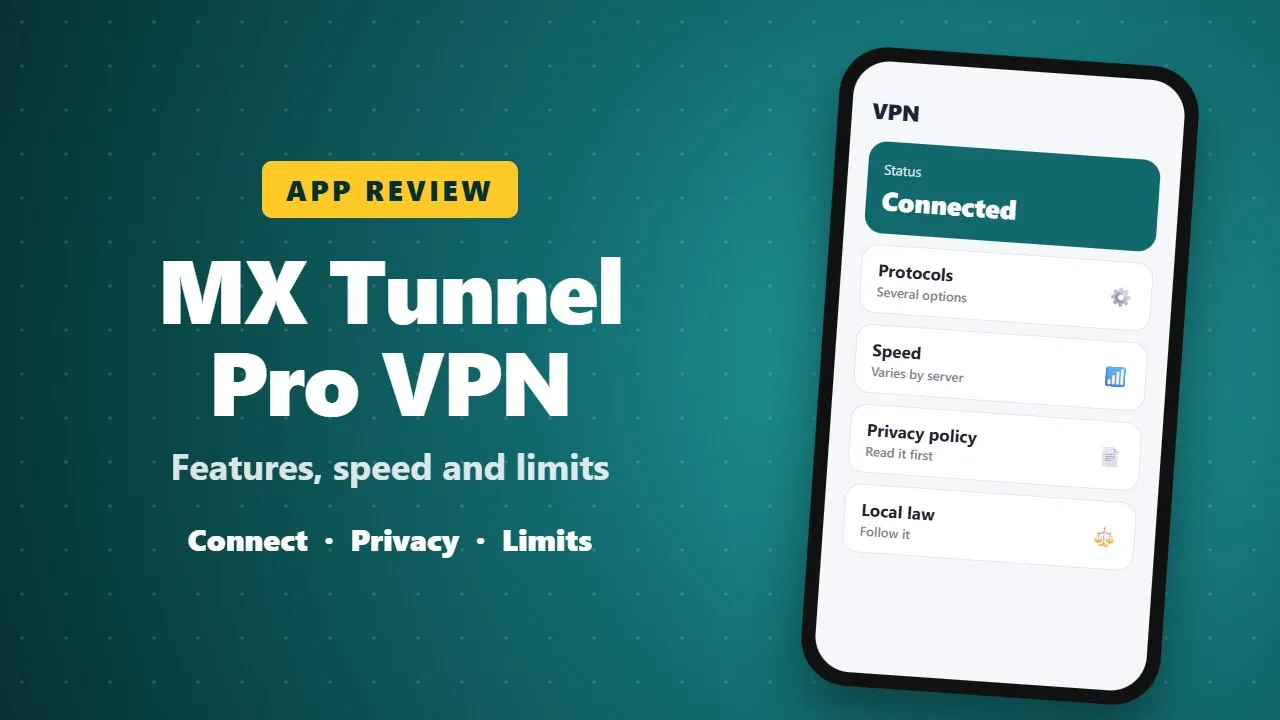
MX Tunnel Pro VPN Review: Features, Speed and Limits
MX Tunnel Pro is a VPN app for Android. This review covers its main features, connection options and limits. Free VPNs may be slower and collect data, so read the privacy policy and follow local laws when using any VPN.
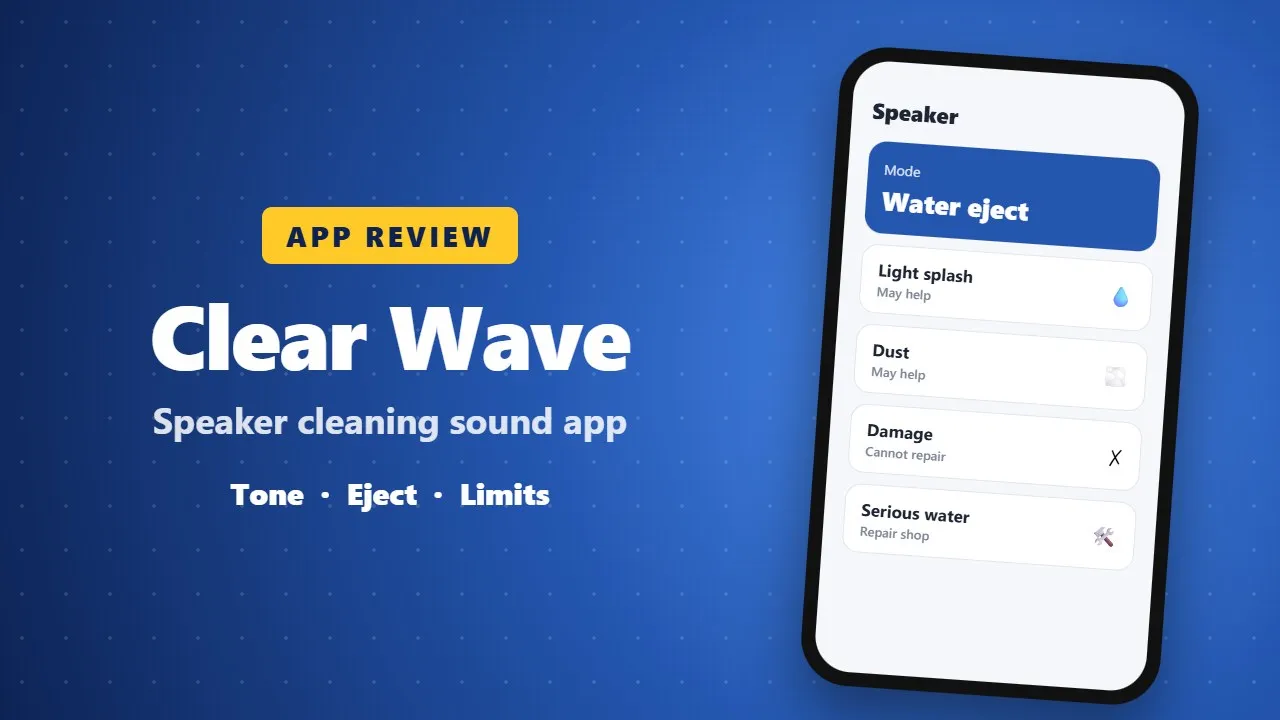
Clear Wave Review: A Speaker Cleaning Sound App for Android
Clear Wave plays special sound tones that may help push small amounts of water or dust out of your phone speaker. It can help after a light splash, but it cannot repair damaged hardware. For serious water damage, switch the phone off and visit a repair shop.
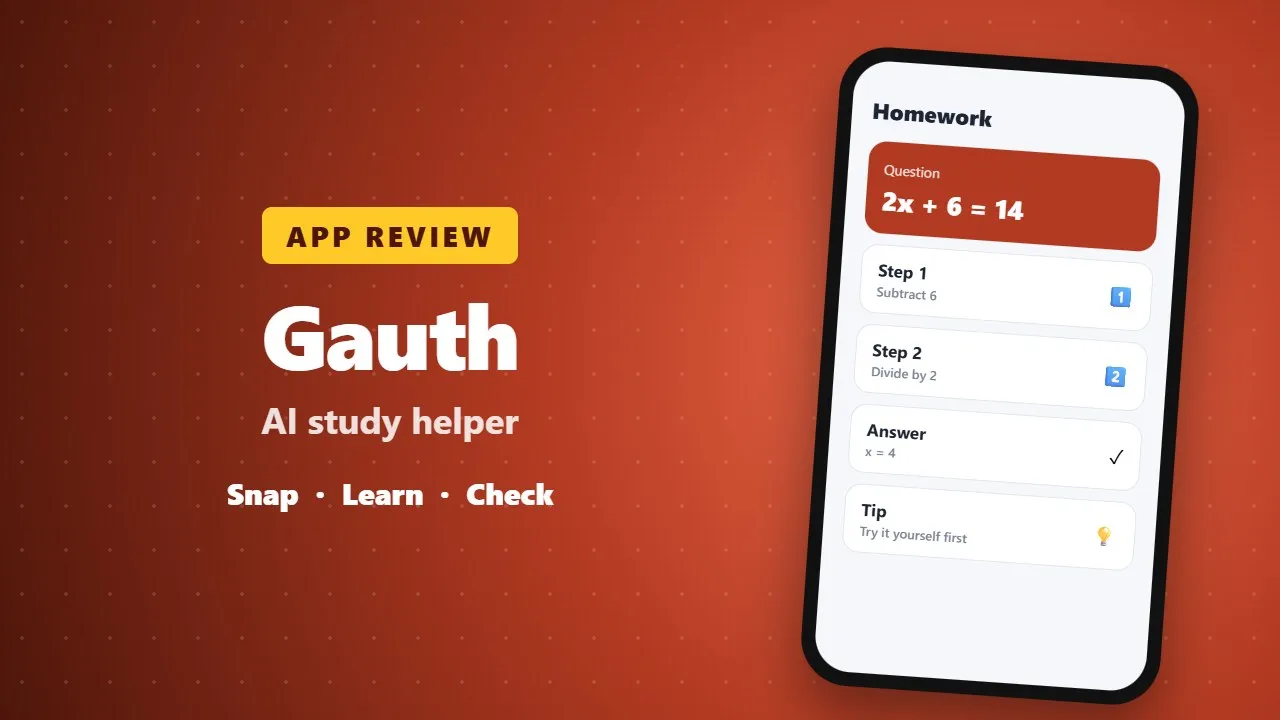
Gauth Review: An AI Study Helper for Homework and Learning
Gauth is an AI study app that explains math and other homework questions step by step from a photo or typed question. It works best as a learning aid: try the problem first, read the explanation, and check answers, since AI can make mistakes. Some features need a subscription.
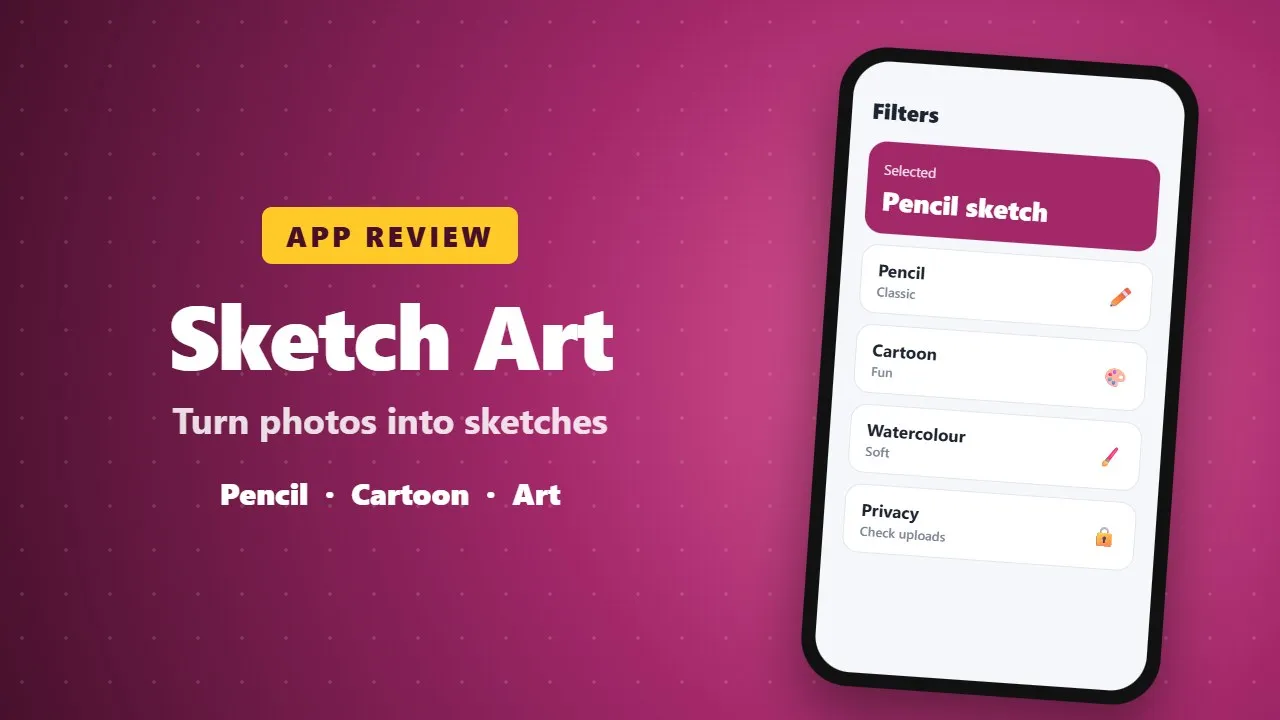
Sketch Art Photo Editor Review: Turn Photos into Pencil Sketches
Sketch Art: Filter Photo Editor turns your photos into pencil sketches, cartoon styles and artistic effects. It is fun for social posts and gifts. Check which filters are free and how the app handles your photos before you upload personal pictures.
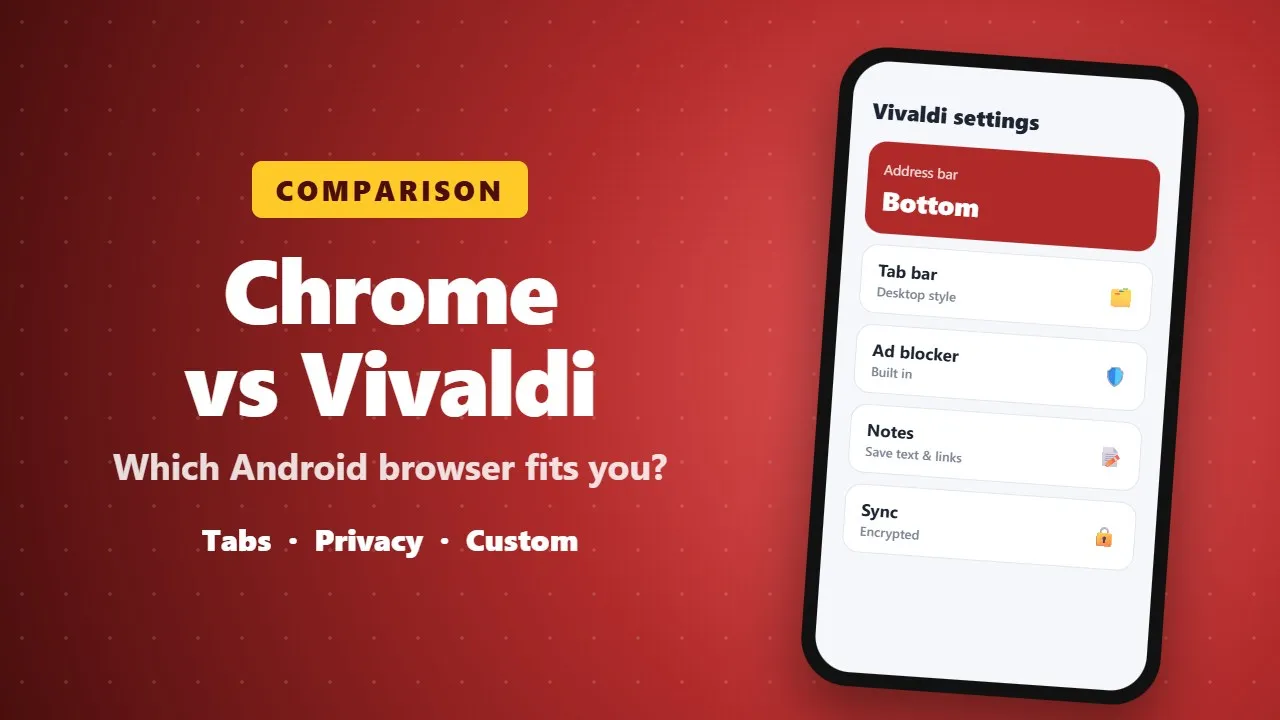
Chrome vs Vivaldi on Android: Why Vivaldi Is Worth Trying
Vivaldi is a free Android browser with far more customization than Chrome: a bottom address bar, desktop-style tabs, a built-in ad blocker, notes and translation. Chrome is simpler and better for Google sync, but Vivaldi is worth trying if you open many tabs or want fewer ads.
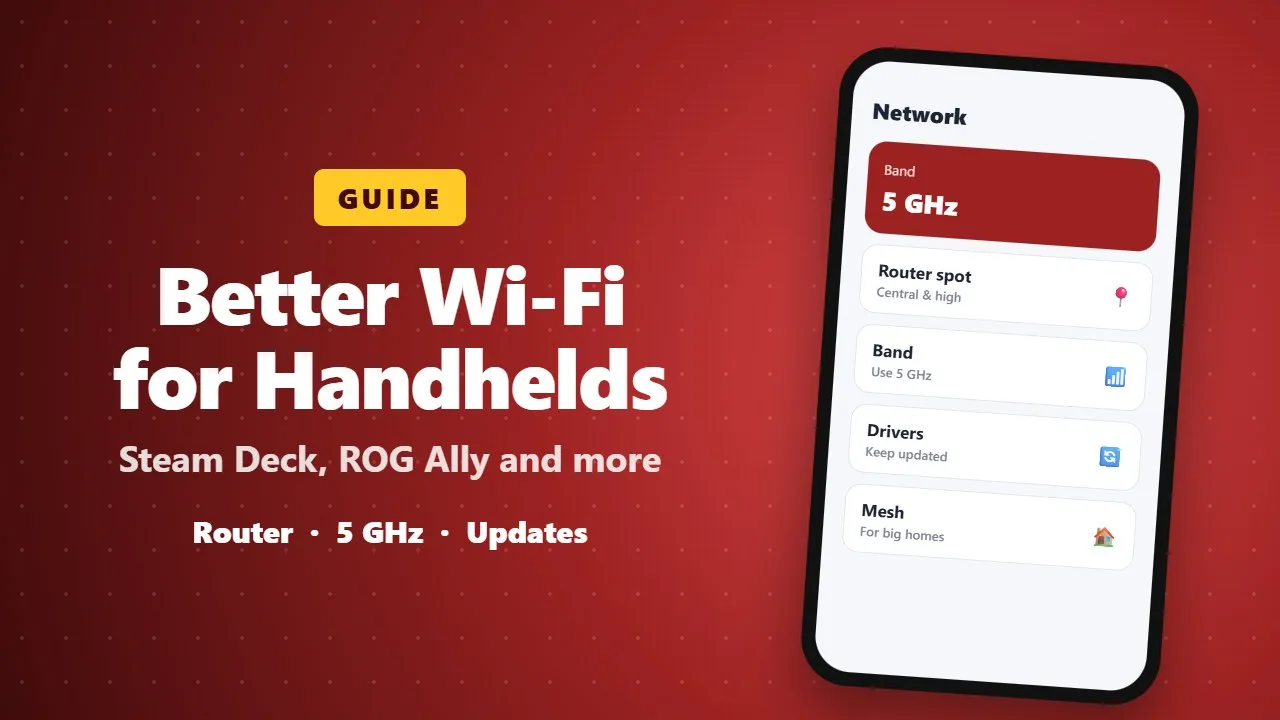
How to Improve Wi-Fi on Steam Deck, ROG Ally and Other Gaming Handhelds
Gaming handhelds like the Steam Deck and ROG Ally can suffer from weak Wi-Fi. These practical tips cover router placement, the 5 GHz band, driver updates and settings that make downloads and online play more stable.
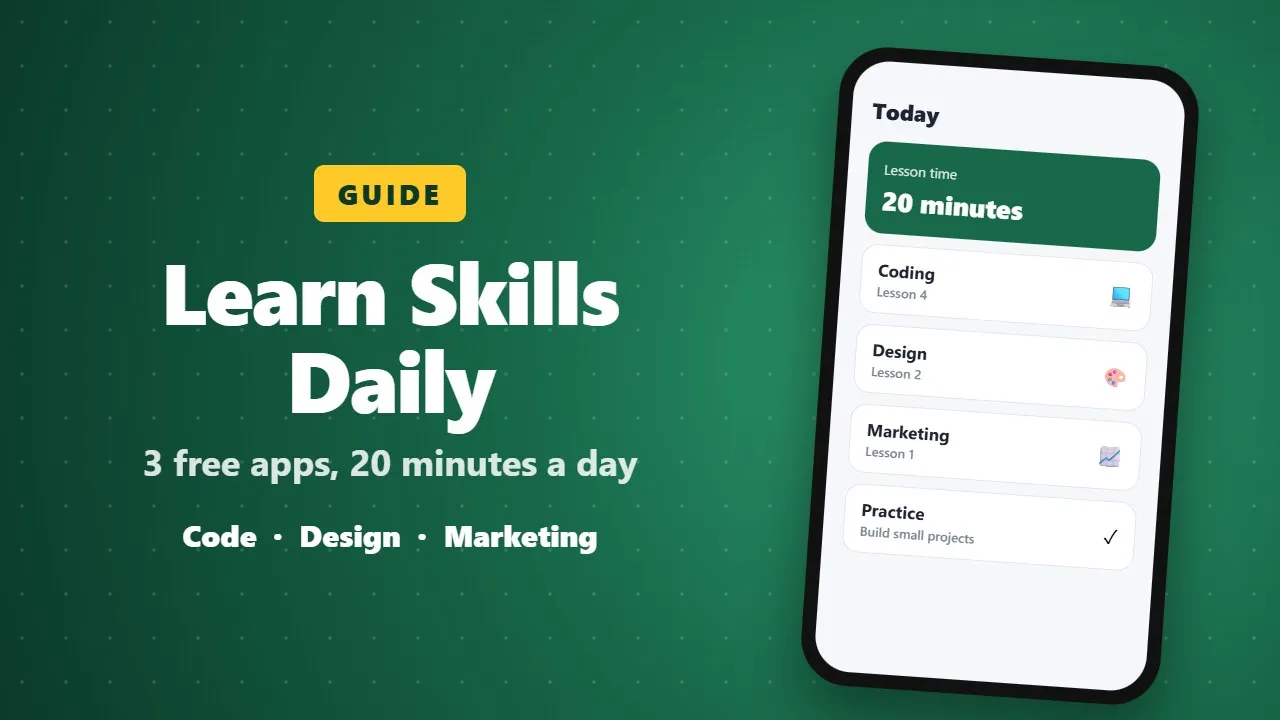
3 Free Apps to Learn Useful Skills in 20 Minutes a Day
Three free learning apps that teach practical skills such as coding, design and digital marketing in short daily lessons. Short lessons build a habit, but real progress comes from practising regularly and building small projects.
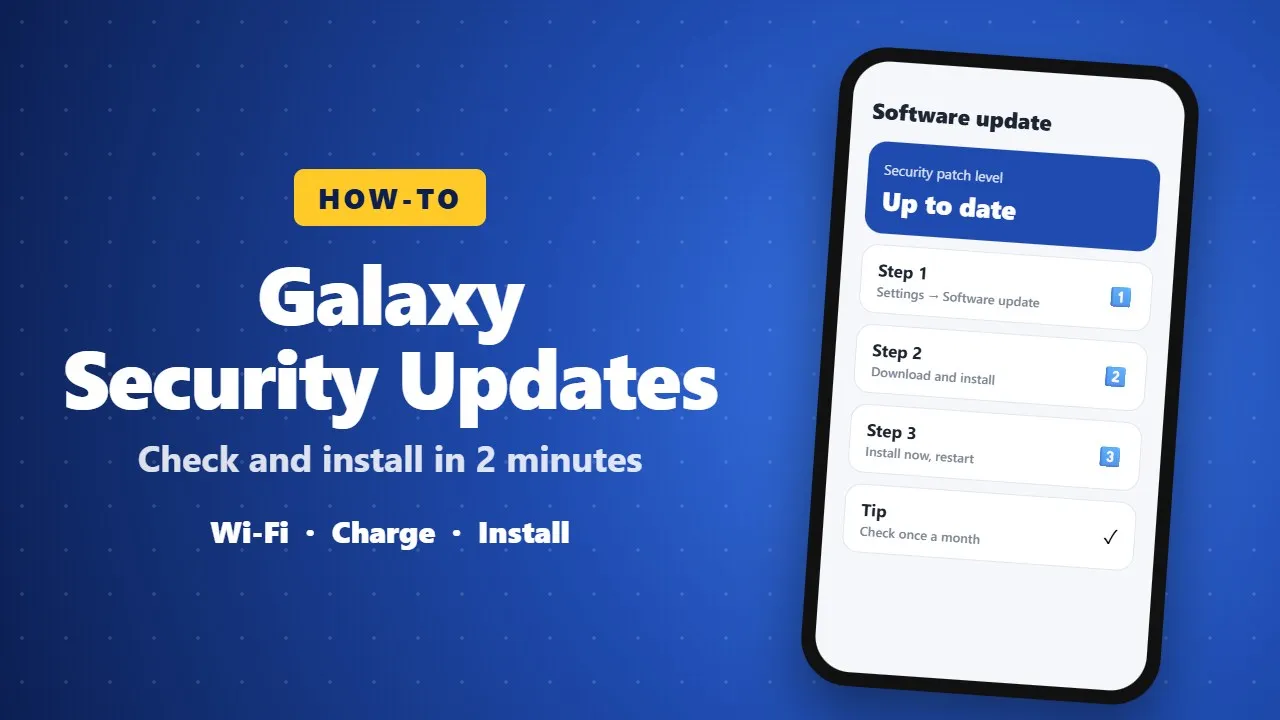
How to Check and Install Security Updates on Samsung Galaxy Phones
Monthly security updates fix weaknesses attackers could use. On a Galaxy phone, connect to Wi-Fi, then open Settings → Software update → Download and install. Updates arrive in waves by region, so check again if nothing appears, and keep good habits like installing apps only from official stores.

Artificial Intelligence Explained: Definition, Uses, and Types You Should Know
A plain-language guide to artificial intelligence: what it is, how it learns from data, the main types of AI, and where you already meet it in daily life, from phone assistants to translation apps.
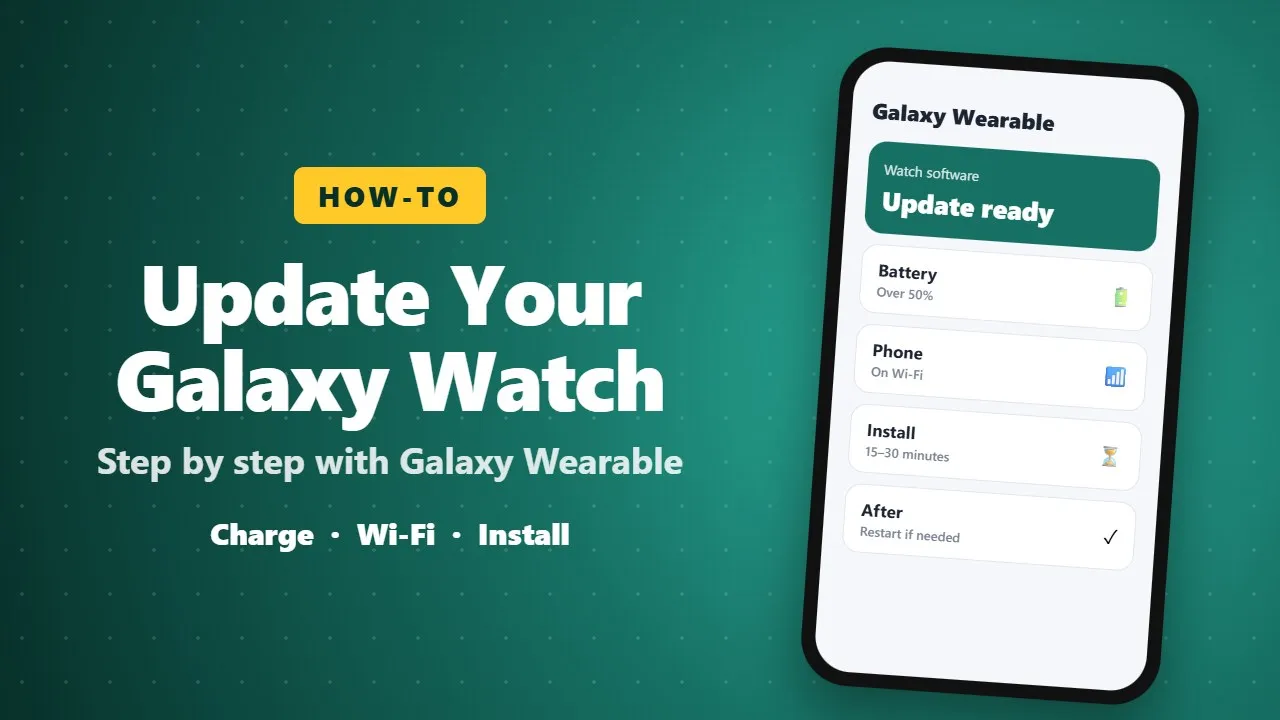
How to Update Your Samsung Galaxy Watch, Step by Step
Galaxy Watch updates install through the Galaxy Wearable app: charge the watch, connect your phone to Wi-Fi, then open Watch settings → Watch software update. Big updates like One UI 8 Watch add new features; monthly ones fix bugs and security issues. Updates may reach Ethiopia later.